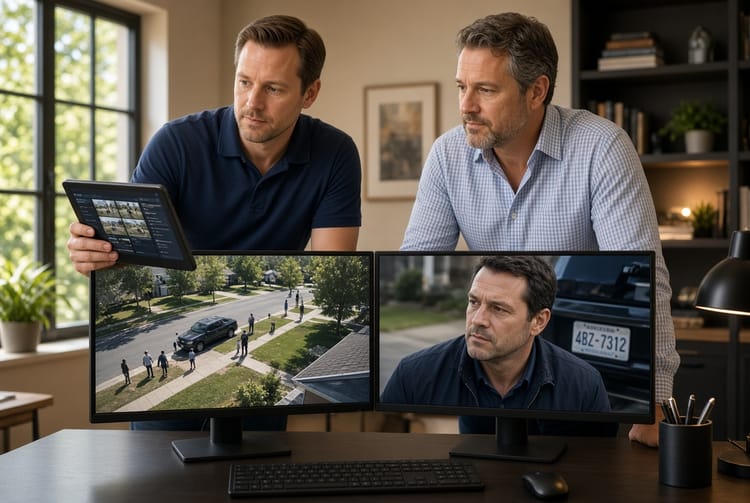
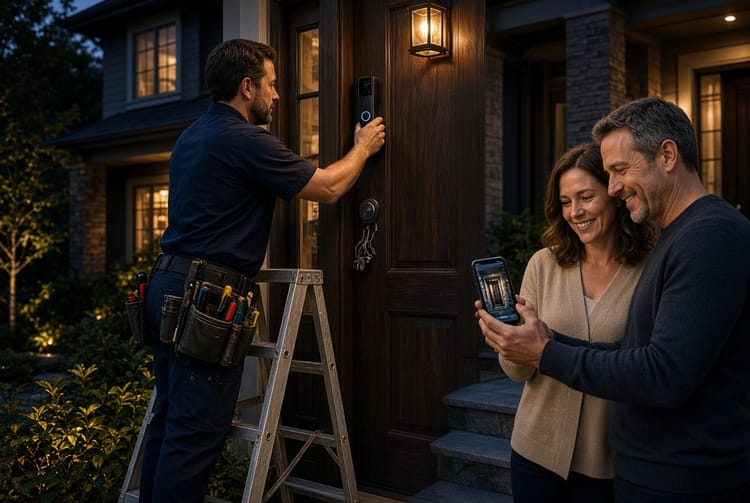
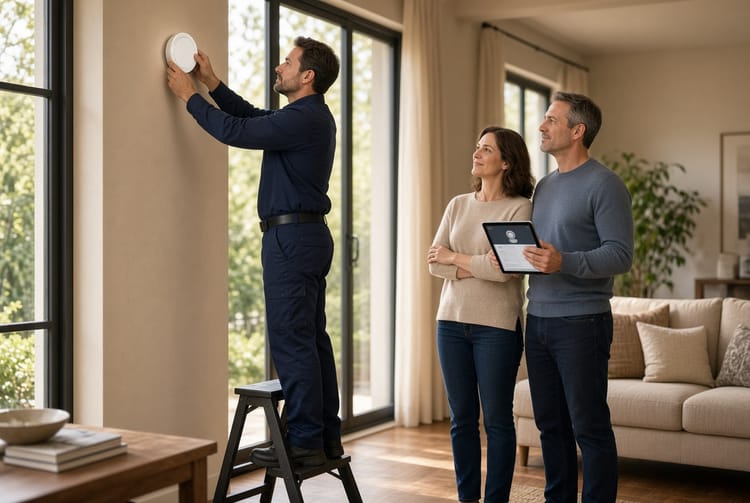
The Security System Remote Access: Arming and Monitoring from Your Phone
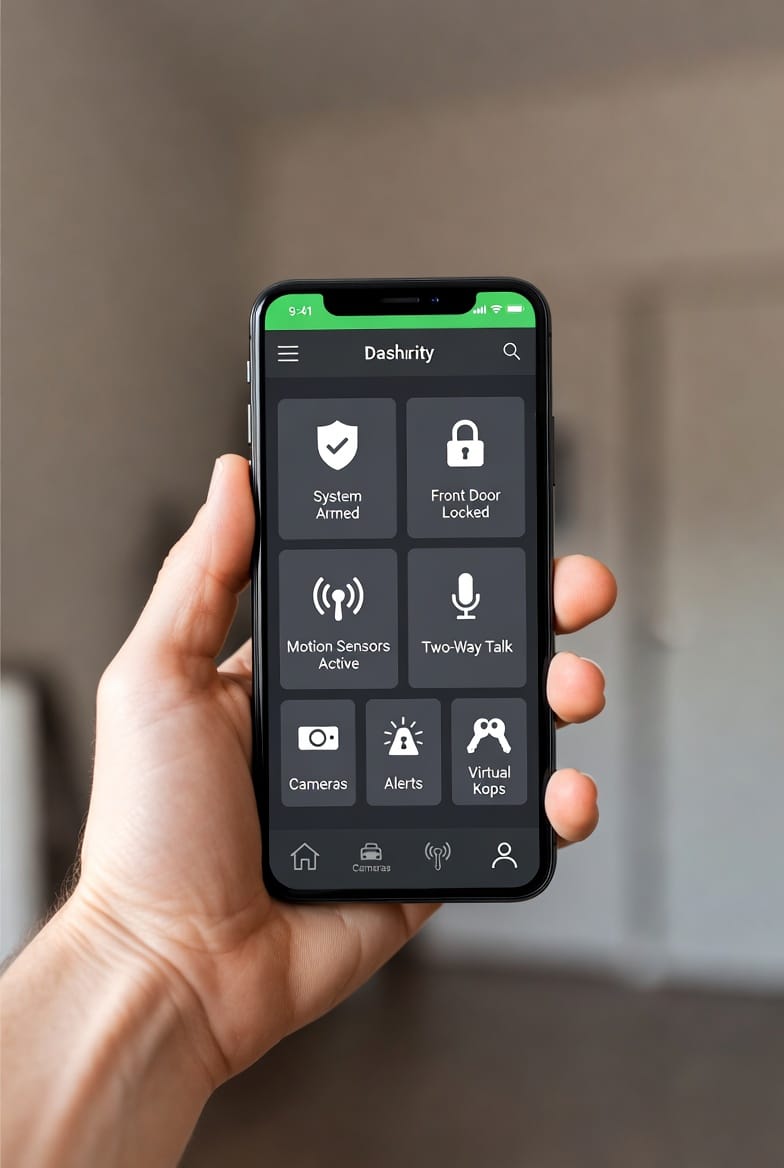
Control. Awareness. Peace of mind. These three pillars now fit inside your pocket. Gone are the days of rushing back home to arm your security system before a vacation or lying awake wondering if you remembered to lock the garage. Smartphone-connected home security has changed everything.
Get Remote Access Installed Today – Call Now!
Today, remote access isn't a luxury — it's a standard expectation for modern homeowners. Whether you're at work, on a flight, or sitting on a beach 2,000 miles away, your home's protection travels with you.
Let's walk through exactly how mobile security apps work, why they're more reliable than ever, and which features turn your phone into a command center for home safety.
Why Remote Access Matters More Than Ever
Convenience drives adoption, but security benefits even more. Consider these real-world scenarios:
- You left for dinner and can't remember arming the system → Arm from the restaurant booth.
- Your teen arrives home from school early → Get instant push notification.
- A package is delivered while you're traveling → View the doorbell camera live.
- A family member needs one-time access → Send a virtual key that expires.
Without remote access, you're blind. With it, you're always connected — even when your phone is on airplane mode (notifications queue until you reconnect).
How Smartphone Arming and Disarming Actually Works
Let's clear up a common fear: "What if someone hacks my system?"
Professional security platforms use bank-grade encryption (AES 128-bit or 256-bit) between your phone and the in-home panel. Your command travels through cellular backup (not just Wi-Fi) to ensure reliability even during internet outages or power failures.
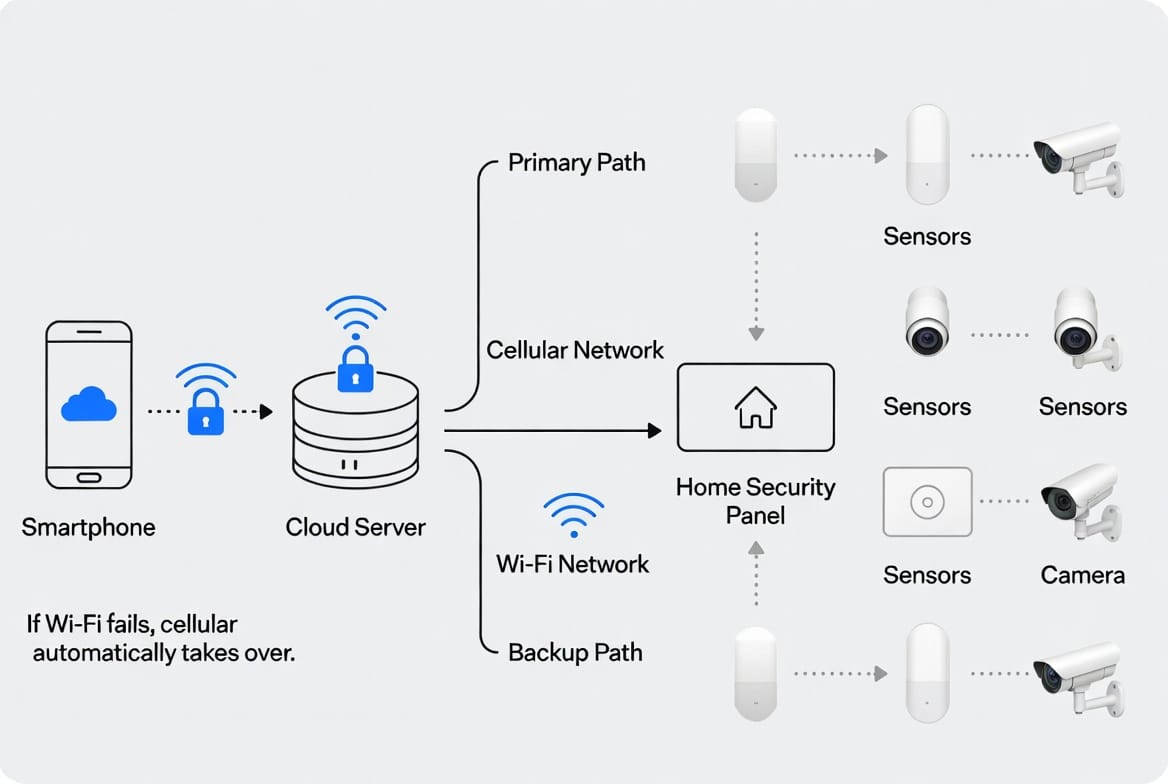
Here’s the step-by-step:
- Open the app on your phone (Face ID / fingerprint login recommended).
- Tap "Arm Away," "Arm Stay," or "Disarm" — same options as your keypad.
- App sends encrypted signal → security cloud → your home panel.
- Panel confirms action → real-time notification back to your phone.
- Optional: View camera snapshots to verify garage door is down or dogs are inside.
Total elapsed time? Usually 2–5 seconds over LTE/5G. Faster than walking to your wall panel.
Critical Features You Must Demand in Any Remote-Access System
Not all apps are equal. Beware of "lifestyle" systems that prioritize slick animations over reliability. Professional-grade remote access includes:
Real-Time Event Notifications
- Push alerts for door/window openings, motion triggers, smoke/CO alarms.
- Customizable — get alerts for specific zones (e.g., only the front door and basement, not every pet-triggered motion).
- Time-stamped log inside the app showing who armed/disarmed and when.
Live and Recorded Camera Viewing
- HD video (1080p minimum) streamed on demand.
- Motion-triggered clips stored in cloud or local SD card.
- Two-way audio — tell a delivery driver where to leave a package or warn an intruder you're watching.
Virtual Key Sharing (The Guest Access Game-Changer)
- Create temporary PIN codes or app-based keys.
- Set schedules (housekeeper: Mon/Wed 9 AM–12 PM).
- Revoke instantly from anywhere — no hardware reconfiguration.
- Activity log shows exactly when each virtual key was used.
⚠️ Risk to know: Some bargain systems store keys in plain text. Always choose a provider that uses rolling codes (changes each time the key is used) and offers activity auditing.
Zone Bypass Remotely
- Forgot to close the window in the guest bedroom? Bypass that specific zone so the rest of the system arms.
- But — the app will warn you: "Bypassing zone: Guest Window. Are you sure?" Clear audit trail.
The Cellular Backup Advantage (Don't Skip This)
Wi-Fi goes down. Power goes out. Criminals sometimes cut internet lines.
A truly reliable remote-access system includes a built-in cellular communicator (often 4G LTE, with 5G emerging). Here's why that matters:
- No home internet? System still sends alerts and accepts remote commands via cellular.
- No power? Backup battery (typically 12–24 hours) keeps the cellular radio alive.
- No phone signal? (rare in urban/suburban areas) — system stores events locally and syncs when signal returns.
Pro tip: When shopping, ask: "Is cellular backup standard or an extra monthly fee?" Many national providers include it in monitoring plans starting around $30–$50/month.
Avoiding Common Remote-Access Pitfalls
❌ Mistake #1: Using Only Wi-Fi
If someone deauthenticates your router (surprisingly easy), you lose control. Demand cellular backup.
❌ Mistake #2: Weak App Passwords
Use a password manager and enable multifactor authentication (MFA) — most professional apps support it.
❌ Mistake #3: Ignoring Firmware Updates
Outdated panel firmware = known vulnerabilities. Set automatic updates in the app.
❌ Mistake #4: Sharing Virtual Keys Without Expiration
Always set an expiration. That "temporary" key for a dog walker should never survive longer than the booking.
Real-World Example: A Day Using Remote Access
7:30 AM — Leave for work. Tap "Arm Away" in app. Notification: "System Armed. Front door locked. Garage down."
12:15 PM — Motion alert from backyard camera. Open live view: neighbor's cat, not an intruder. Dismiss alert.
3:00 PM — Nanny arrives for kids. Send her a virtual key via text. She downloads app, taps key, system disarms. You get notification: "Disarmed by Nanny — 3:01 PM."
6:30 PM — You're delayed in traffic. Nanny leaves. You remotely re-arm system from your car before your teen gets home.
8:00 PM — Teen arrives. App shows "Failed to disarm — incorrect PIN attempt." You call teen: "Use your app, not the keypad." Problem solved.
11:00 PM — Check all zones from bed. Every door/window secure. Tap "Arm Stay" (motion sensors off on your floor, active everywhere else). Sleep well.
That's not hypothetical. That's how modern systems work, every day, for millions of homeowners.
Comparing Remote Access to Traditional Keypads Only
| Feature | Old Keypad Only | Smartphone Remote Access |
|---|---|---|
| Arm while away | ❌ No | ✅ Yes |
| See live cameras | ❌ No | ✅ Yes |
| Grant temporary access | ❌ Must be onsite | ✅ Instant from anywhere |
| Get real-time alerts | ❌ Only siren | ✅ Push + email + optional call |
| Audit trail | ❌ Limited to last 20 events | ✅ Full history with timestamps |
| Pet-friendly motion bypass | ❌ Manual at panel | ✅ Remote zone bypass |
The conclusion is clear: Keypads are backup devices now. Your phone is the primary interface.
What About Privacy? (A Legitimate Concern)
Some people worry: "Does the security company watch my cameras?"
Reputable providers use end-to-end encryption where even the company cannot view your live feeds unless you explicitly share a link (e.g., to a technician during troubleshooting). Always verify:
- Does the provider publish a transparent privacy policy?
- Is there a "privacy shutter" option for indoor cameras (physical or software-based)?
- Can you delete cloud recordings manually?
Our recommendation: Choose a system where video is stored locally (on an SD card or hub) with optional cloud backup you control. This gives you remote viewing without unwanted third-party access.
Setting Up Remote Access: What to Expect
Switch from "dumb" alarm to smartphone-controlled system typically involves:
- Purchase a compatible panel (many modern panels include Wi-Fi + cellular).
- Download the provider's app (iOS and Android).
- Scan a QR code from your panel to pair devices.
- Create an account with strong password + MFA.
- Test remote arming/disarming while standing next to the panel (confirm sync).
- Set notification preferences (push, email, text).
Time investment: 15–20 minutes. No professional tools required unless you're also installing new sensors.
The Future Is Already Here: What's Next
Remote access evolves fast. Current trends include:
- Geofencing — system auto-arms when your phone leaves a radius, disarms when you return (with optional PIN override).
- Voice integration — "Hey Google, arm my system to stay mode."
- AI-powered alerts — "Person detected at front door" versus "Animal detected in backyard."
- Wearable control — arm/disarm from an Apple Watch or Android wrist device.
All of these still depend on the same core: secure, reliable smartphone access.
Your Checklist Before Buying Any Remote-Access System
✅ Cellular backup included (not just Wi-Fi)
✅ Free app with 4+ stars on both app stores
✅ Supports virtual keys with expiration dates
✅ Two-way audio on cameras
✅ Local video storage option
✅ MFA available on your account
✅ No hidden fees for remote access (some lock it behind "premium" tiers)
✅ 24/7 professional monitoring available (if desired)
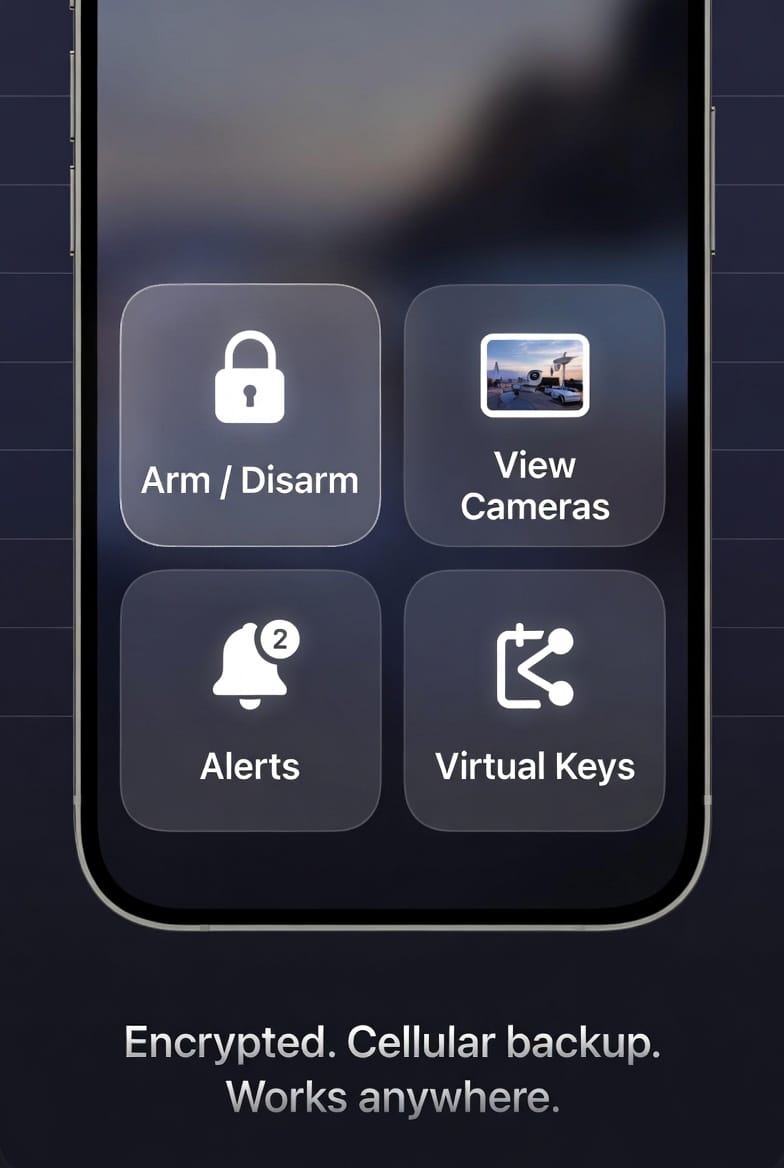
Final Take: You Should Never Feel "Cut Off" From Your Home
Peace of mind isn't passive. It's knowing — with certainty — that your home is protected whether you're in the next room or on the next continent.
Smartphone remote access has matured into a reliable, secure, and user-friendly standard. The old fears about "hacking" and "complex setup" belong to a decade ago. Today's systems are battle-tested, used by millions, and backed by redundant cellular paths that keep you connected when times are tough.
Don't settle for a system that locks control behind a wall panel. Your phone is the most powerful tool you carry. Put it to work protecting what matters most.
Ready to Take Control From Anywhere?
Stop wondering. Start knowing.
Call (844) 213-9552 to speak with a home security specialist. Ask about:
- Cellular backup options
- Virtual key sharing for family and trusted guests
- Camera packages with remote viewing
- Current promotions on smart panels
Don't wait until you're 500 miles away and second-guessing. Get remote access installed this week.
Call Now for Smartphone Security with Cellular Backup