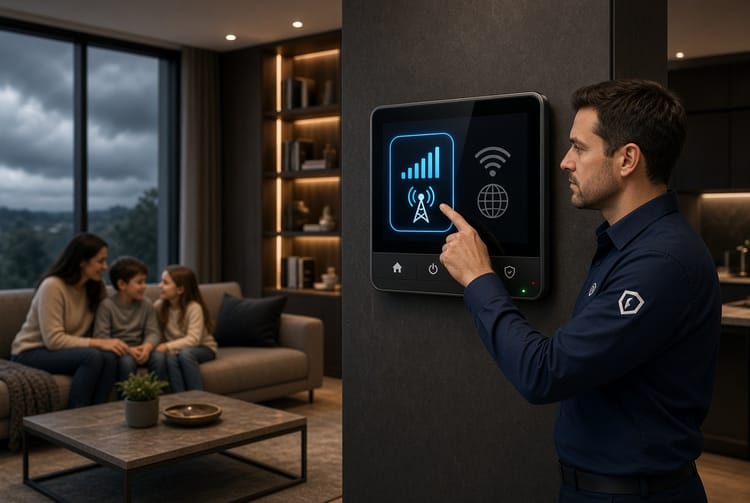
The Security System Cloud Storage: Video Retention and Privacy
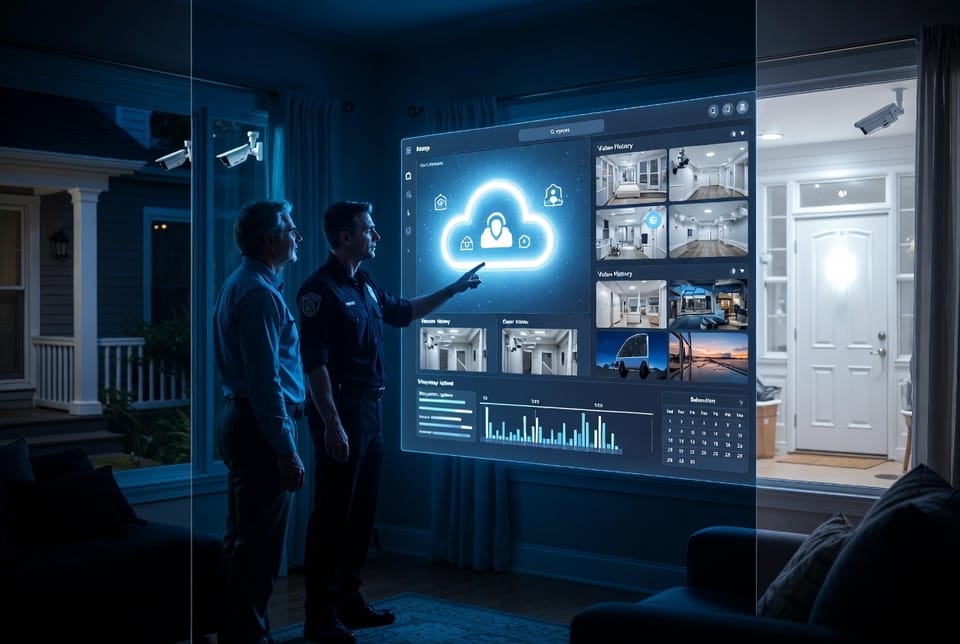
Modern home security systems have evolved far beyond simple local recording. Today’s cloud storage technology transforms how video footage is captured, protected, and retrieved. Instead of relying solely on a physical hard drive inside the house, video clips are securely uploaded to remote servers the moment motion is detected. This shift delivers greater reliability, flexible access, and peace of mind—provided the right retention period, cost structure, and privacy safeguards are chosen.
Call Now for Expert Cloud Storage Advice
Understanding exactly how cloud video storage functions, what retention windows are available, how pricing works, and which privacy protections matter most allows homeowners to make confident, informed decisions. This guide walks through every essential element so you can select the storage solution that truly matches your household’s needs.
How Cloud Storage Works in Security Systems
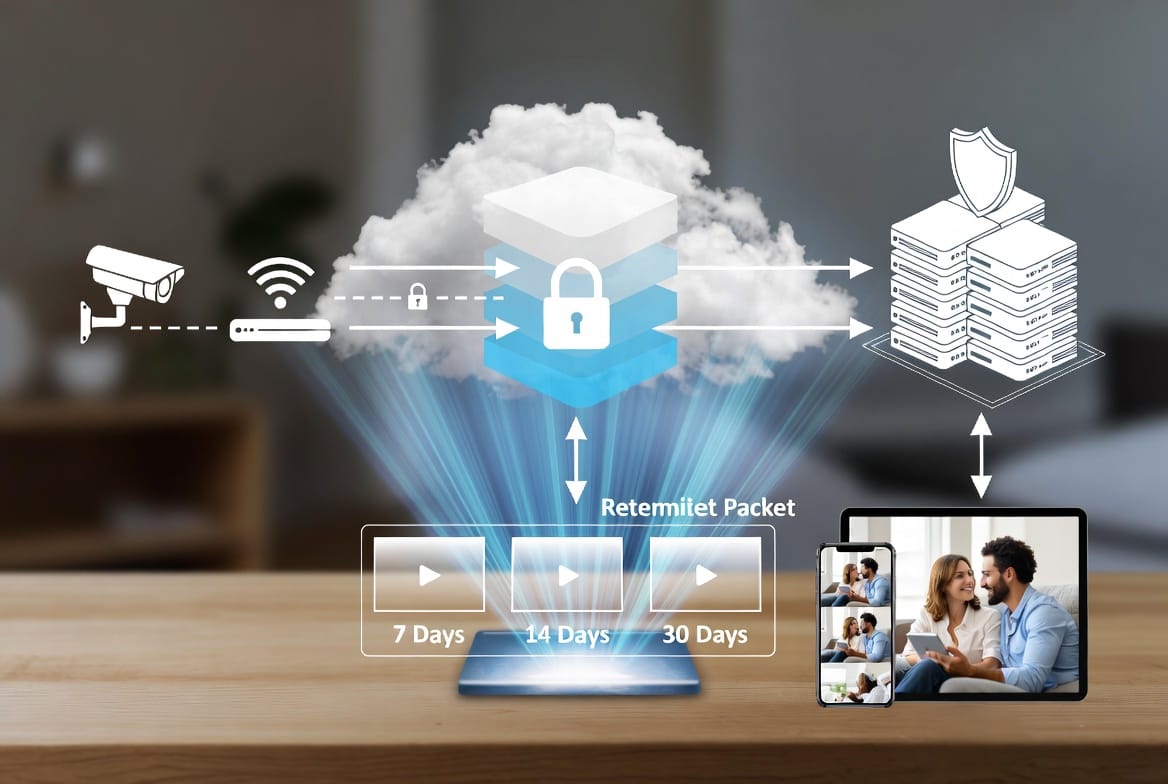
When a camera detects motion or is triggered by an event, it begins recording. In a cloud-enabled system, that footage is immediately encrypted and transmitted over a secure internet connection to remote data centers operated by the security provider or a trusted partner. The process happens in near real time.
Key steps include:
- Continuous or event-based recording on the camera or local hub
- Instant encryption of the video stream before it leaves the home
- Secure upload to geographically distributed cloud servers
- Indexing of clips by date, time, camera, and event type for fast searching
- Storage according to the selected retention plan
Because the video lives off-site, it remains available even if the camera is damaged, the home network fails, or the property experiences a power outage after the event. Homeowners can review footage from any internet-connected device—smartphone, tablet, or computer—through a dedicated security app or web portal.
This architecture eliminates the single point of failure common with purely local systems and provides a reliable digital safety net.
Video Retention Periods: Finding the Right Window
Retention refers to how long the cloud keeps your video clips before automatically deleting them. Most modern plans offer flexible windows, commonly ranging from 7 to 30 days. Some premium tiers extend further, while basic plans may limit storage to shorter periods.
Typical retention options include:
- 7-day retention – Ideal for households that primarily need recent event review and want to keep monthly costs low
- 14-day retention – A balanced choice for most families, covering two full weeks of activity
- 30-day retention – Recommended when longer historical review is valuable, such as monitoring vacation homes or reviewing patterns over a full month
Longer retention provides more flexibility when investigating incidents that may not be noticed immediately. Shorter windows reduce storage costs and limit the volume of data retained. The optimal choice depends on lifestyle, property type, and how often footage needs to be referenced.
Selecting an appropriate retention period is one of the most important decisions when configuring cloud storage. It directly affects both usability and ongoing expense.
Understanding the Costs of Cloud Video Storage
Cloud storage is typically offered as a monthly or annual subscription. Pricing is influenced by several factors:
- Number of cameras included
- Chosen retention period
- Video quality (higher resolution consumes more storage)
- Continuous recording versus event-only recording
- Additional features such as AI person detection or advanced search
Basic single-camera plans with shorter retention are usually the most affordable. Multi-camera households or those selecting 30-day retention will see higher but still predictable monthly fees. Many providers structure pricing so that the cost per camera decreases as more devices are added, making whole-home coverage efficient.
When evaluating cost, consider the value of having footage available after a local device fails. The subscription essentially purchases insurance against data loss. Comparing plans side-by-side and matching retention length to actual needs prevents overpaying for unused storage capacity while ensuring critical video remains accessible.
Transparent pricing and clear upgrade paths allow homeowners to start with a modest plan and expand as requirements change.
Privacy Considerations: Encryption and Data Security
Privacy is a legitimate and important concern whenever video leaves the home. Responsible cloud storage providers address this through multiple layers of protection.
Essential privacy and security measures include:
- End-to-end encryption – Video is encrypted on the device before transmission and remains encrypted at rest in the cloud. Only authorized account holders with the correct credentials can decrypt and view the footage.
- Secure data centers – Servers are housed in facilities with physical security, 24/7 monitoring, redundant power, and strict access controls.
- Account-level protections – Multi-factor authentication, strong password requirements, and activity logs help prevent unauthorized access.
- Data minimization policies – Footage is automatically deleted at the end of the retention period and is not used for advertising or sold to third parties.
- Compliance standards – Reputable systems adhere to industry security frameworks and privacy regulations.
These safeguards mean that even if a data center were compromised, the encrypted video would remain unreadable without the user’s private keys. Homeowners retain control over who can view their footage and can revoke access at any time.
Choosing a provider that prioritizes encryption and transparent privacy policies is non-negotiable for anyone serious about protecting household privacy.
Local Storage Alternatives and Hybrid Approaches
While cloud storage offers clear advantages, local storage remains a viable option or complementary solution. Local systems typically record to an NVR (Network Video Recorder), DVR, or microSD card installed in the camera or a central hub.
Advantages of local storage include:
- No ongoing subscription fees after initial hardware purchase
- Complete independence from internet connectivity for recording
- Full physical control over the storage medium
Limitations are equally important to recognize:
- Footage can be lost if the device is stolen, damaged, or fails
- Remote viewing usually still requires internet and additional configuration
- Expanding storage capacity requires purchasing and installing new hardware
- Searching and managing large volumes of video can be less convenient
Many modern systems support hybrid configurations. Cameras can record simultaneously to both local media and the cloud. This dual approach delivers the best of both worlds: immediate local backup plus off-site redundancy and easy remote access. Hybrid setups are especially reassuring for users who want maximum resilience without fully abandoning either method.
Evaluating internet reliability, comfort with physical hardware maintenance, and desire for remote accessibility helps determine whether pure local, pure cloud, or hybrid storage best serves the household.
Matching Storage to Your Specific Needs
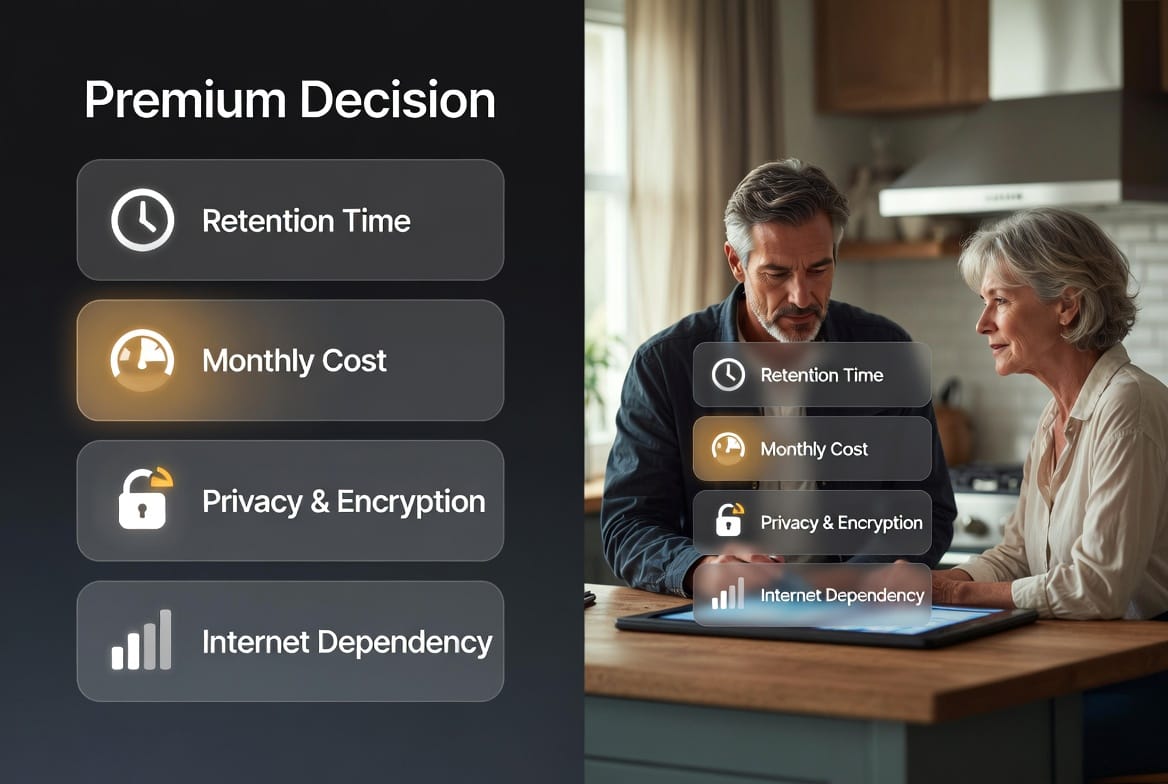
Every home is unique. A busy family with frequent deliveries may value longer retention and strong person-detection filtering. A vacation property owner might prioritize continuous remote access and automatic off-site backup. Someone in an area with occasional internet interruptions may lean toward a hybrid model.
Consider these practical questions:
- How often do you need to review older footage?
- Is remote access from anywhere essential?
- What is a comfortable monthly budget for storage?
- How important is protection against local device failure or theft?
- Does the household already have reliable high-speed internet?
Answering these points clarifies whether a 7-day, 14-day, or 30-day cloud plan, a local-only system, or a hybrid combination will deliver the greatest benefit. The goal is not the most expensive option, but the most appropriate one.
Professional security providers can walk through these considerations, demonstrate live app interfaces, and recommend configurations tailored to the property and lifestyle. Transparent discussions about retention, pricing, and privacy build confidence that the chosen system will perform when it matters most.
Conclusion: Choose the Right Video Storage for Your Needs
Cloud storage has become a cornerstone of modern home security because it combines convenience, resilience, and accessibility. By understanding how video is uploaded, what retention windows are available, how costs scale, and which privacy protections are in place, homeowners can select a solution that truly protects both their property and their personal data.
Whether the preference is a straightforward 14-day cloud plan, an extended 30-day archive, a local alternative, or a hybrid approach, the right choice exists. Matching storage features to actual daily requirements ensures reliable video history without unnecessary complexity or expense.
For personalized guidance on cloud options, retention periods, and privacy features that fit your home. Experienced specialists are ready to answer questions and help configure a system that delivers both security and peace of mind.
Call Now for the Right Cloud Retention Plan