The Security System Keypad: Placement and Best Practices
The security system keypad serves as the primary user interface for nearly every residential and small-business alarm system. It is the point where daily decisions about arming, disarming, and monitoring occur. Proper placement, clear understanding of codes, and consistent best practices transform this simple panel from a basic control device into a reliable guardian of safety and convenience. When positioned and managed correctly, the keypad supports effortless routines while reinforcing the overall strength of the security system.
Call Today for Expert Security Keypad Setup
Why the Keypad Matters as Your Daily Interface
Every interaction with a security system begins or ends at the keypad. Homeowners reach for it when leaving for work, returning from an evening out, or checking system status before bed. A poorly placed or poorly managed keypad creates friction: delayed arming, forgotten codes, or overlooked alerts. Conversely, thoughtful placement and disciplined habits make protection feel natural and automatic.
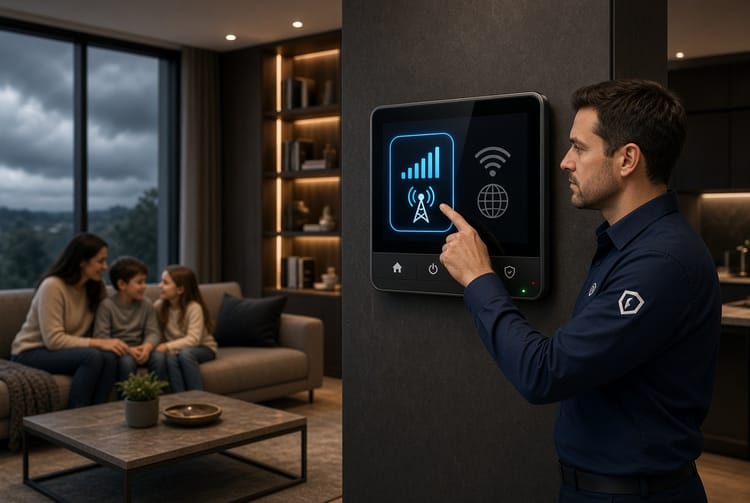
The keypad is more than a set of buttons. It displays system status, accepts arming commands, reports trouble conditions, and often provides quick access to panic or medical functions. Treating it as the central user interface ensures the entire system remains practical for every member of the household. The goal is always the same: maximum convenience paired with uncompromised security.
Optimal Placement: Near the Main Entry, Accessible, and Visible
Correct physical location of the security system keypad determines how often and how reliably it will be used. Three core principles guide placement: proximity to the main entry, accessibility for all intended users, and clear visibility.
Near the Main Entry Door
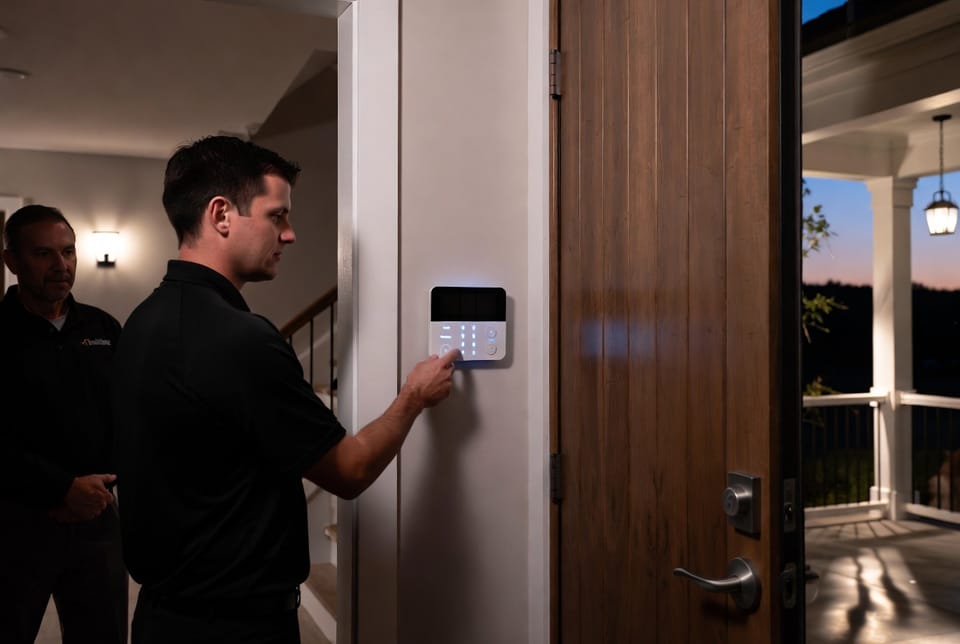
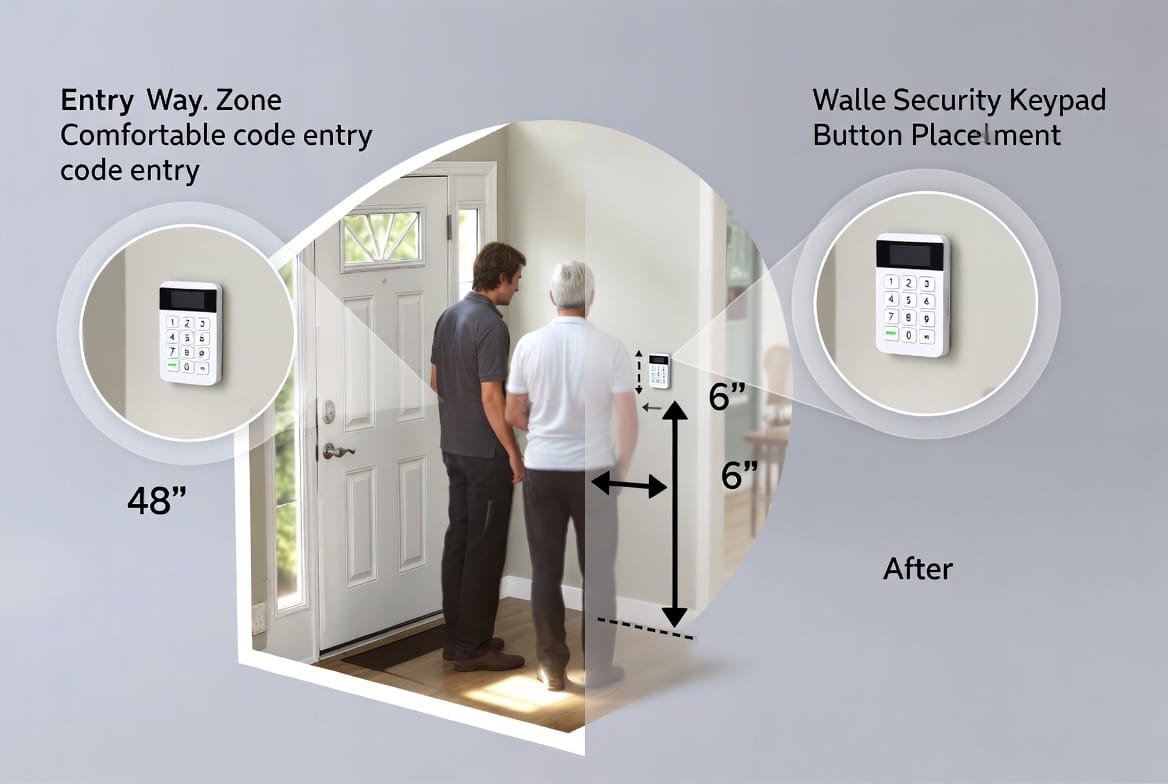
The most effective location is immediately inside the primary entrance—typically the front door or the door most frequently used for daily comings and goings. Placing the keypad within a few steps of this door allows occupants to disarm the system quickly upon arrival and arm it just before departure.
This placement reduces the window of vulnerability. When someone enters an armed home, the delay timer begins. A nearby keypad lets the user enter a valid code before the alarm activates. If the keypad sits deeper inside the house—across a living room or up a flight of stairs—users may struggle to reach it in time, leading to false alarms or the temptation to leave the system disarmed.
In multi-door homes, the main entry remains the priority. Secondary doors can be covered by additional keypads or wireless remotes if needed, but the primary panel should always serve the highest-traffic entrance.
Accessible Height and Reach
Accessibility means the keypad can be operated comfortably by every authorized user. Standard mounting height falls between 48 and 54 inches from the floor, measured to the center of the panel. This range accommodates most adults while remaining reachable for older children who have been granted codes.
Avoid placing the keypad behind furniture, inside closets, or in dimly lit corners. Clear floor space in front of the panel prevents awkward stretching or the need to move objects each time the system is used. In homes with wheelchair users or individuals with limited mobility, slightly lower mounting or the addition of a secondary portable keypad may be appropriate. The guiding principle remains simple: the interface must invite use rather than create obstacles.
Visible for Deterrence and Awareness
Visibility serves two purposes. First, a clearly visible keypad reminds household members that the system is active and ready. Second, it acts as a subtle deterrent. Potential intruders who glance through a window or open door often notice the illuminated panel and recognize that the property is protected.
Choose a wall location with good ambient lighting so status lights and display text remain readable day and night. Avoid mounting the keypad in direct sunlight that can wash out the screen or in complete shadow that forces users to fumble. Many modern keypads feature adjustable backlighting; ensure the chosen spot allows that feature to function effectively.
Master Codes Versus User Codes: Understanding and Using the Interface
Once the keypad is properly located, the next critical element of the user interface is the code structure. Most systems distinguish between a master code and one or more user codes. Understanding the difference and applying it correctly prevents both unauthorized access and accidental lockouts.
The Master Code
The master code functions as the administrative key. It allows full system control: arming and disarming, adding or deleting user codes, changing system settings, and accessing programming menus. Because of its elevated privileges, the master code should be known only to the primary account holders—typically the homeowners or the person responsible for overall system management.
Never share the master code casually. Store it securely, preferably memorized or kept in a locked digital password manager rather than written on a note near the keypad. If the master code is ever compromised, it must be changed immediately through the system’s programming sequence or by contacting the monitoring provider.
User Codes
User codes provide limited, day-to-day access. Each authorized individual—family members, trusted caregivers, or regular service providers—can receive a unique user code. These codes typically allow arming and disarming but restrict deeper programming changes.
Assigning individual user codes offers several advantages. The system can log which code was used for each arming or disarming event, creating a clear activity record. If a particular code needs to be revoked (for example, when a temporary worker no longer requires access), only that single code is deleted while others remain intact. This granular control strengthens security without inconveniencing the rest of the household.
Practical Daily Use
When approaching the keypad, users first observe the status lights or display. A ready light indicates the system can be armed; open-zone indicators show which doors or windows still need attention. Entering a valid code followed by the arm command (often labeled “Away,” “Stay,” or simply “Arm”) activates protection.
Upon returning, the user enters the code during the entry-delay period. Most systems provide an audible countdown or visual prompt. Consistent practice builds muscle memory, reducing the chance of errors under time pressure. Teach every authorized user the correct sequence and emphasize the importance of waiting for confirmation tones or display messages before walking away.
Essential Best Practices for Long-Term Reliability
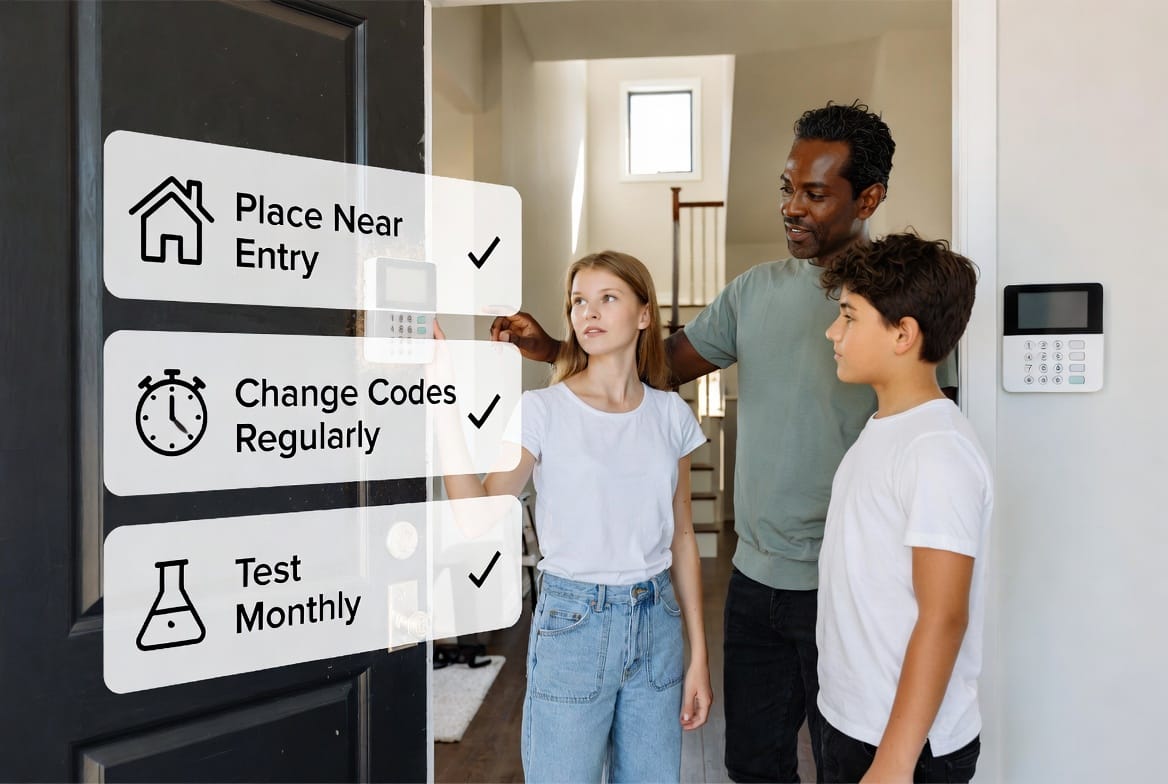
Placement and codes form the foundation; ongoing habits keep the security system keypad effective year after year. Three practices stand out as non-negotiable: regular code changes, monthly testing, and careful physical care of the interface.
Change Codes Regularly
Codes should never remain static indefinitely. Schedule a review every three to six months, or immediately after any potential exposure—such as a lost temporary code, a departing household member, or a service visit. Changing codes is straightforward on most systems and can usually be performed from the keypad itself using the master code.
Fresh codes reduce the risk that an old number remains known to someone who no longer needs access. They also limit the value of any code that might have been observed by a visitor. Make code updates a routine household task, similar to changing smoke-detector batteries, so the process becomes automatic rather than reactive.
Test the System Monthly
A monthly test verifies that the keypad communicates correctly with the control panel and, if applicable, with the monitoring center. Most systems include a test mode that silences the siren or notifies the monitoring company in advance. Walk through the full sequence: arm the system, open a protected door or window to trigger an alert, then disarm and confirm restoration.
During the test, check every button for tactile response, confirm that the display remains clear, and listen for confirmation tones. Note any sluggish response, dim lighting, or error messages. Early detection of issues allows prompt service before a real emergency occurs. Keep a simple log of test dates and results; this record proves valuable during professional inspections or insurance reviews.
Additional Interface Habits
Keep the keypad clean and free of dust or sticky residues that can interfere with buttons. Avoid hanging coats, bags, or decorations that might obscure the panel. If the system offers dual authentication options—such as a secondary key fob or smartphone app—use them as backups, but never abandon the keypad as the primary reliable interface.
When guests or service personnel require temporary access, issue a short-term user code rather than sharing permanent ones. Delete the temporary code as soon as the need ends. These small disciplines compound over time, turning the keypad into a consistently trustworthy tool.
Integrating the Keypad into Everyday Life
Beyond technical placement and code management, successful use of the security system keypad depends on household culture. Establish clear expectations: everyone with a code understands the arming sequence, knows what the status lights mean, and feels comfortable reporting any unusual behavior. Younger users can be given age-appropriate responsibilities, such as checking the ready light before bedtime.
In larger homes or properties with outbuildings, consider whether additional keypads at secondary entrances would improve convenience without sacrificing control. Wireless or touchscreen models expand options, yet the same placement principles—near the relevant entry, accessible, and visible—still apply.
Professional installers often recommend a brief orientation session after mounting the keypad. Use that opportunity to practice the full arming and disarming cycle with every authorized user present. Confidence at the interface reduces hesitation and false alarms.
Avoiding Common Placement and Usage Pitfalls
Several recurring mistakes undermine otherwise solid systems. Mounting the keypad too far from the main door forces rushed code entry and frequent false alarms. Positioning it at an awkward height frustrates daily use and may lead household members to leave the system disarmed. Sharing the master code freely erodes administrative control. Neglecting monthly tests allows silent failures to go unnoticed until a real event occurs.
Each of these issues is easily preventable. A short walkthrough of the entry area before final mounting, a clear written policy on code distribution, and a recurring calendar reminder for testing close the gaps. When questions arise about optimal configuration, professional guidance remains the most efficient path forward.
Long-Term Value of a Well-Managed Keypad
A thoughtfully placed and carefully managed security system keypad delivers quiet confidence every day. It becomes an unobtrusive part of the home’s rhythm—noticed mainly when it is needed and trusted when it is used. The combination of convenient location, disciplined code practices, and regular verification ensures the system performs exactly as designed: protecting people and property with minimal disruption to normal life.
Over months and years, these habits compound. Codes stay current, hardware remains responsive, and every household member develops automatic competence at the interface. The result is not merely a functional alarm system but a reliable layer of everyday security that supports peace of mind.
Place your keypad for convenience. Proper location near the main entry, combined with clear understanding of master and user codes and consistent best practices such as regular code changes and monthly testing, creates an interface that works smoothly for everyone. For personalized guidance on system setup, placement recommendations, or a complete security evaluation. Experienced technicians stand ready to help design a solution tailored to the unique layout and needs of any home.
Expert Keypad Tips & Full System Setup – Call Now