The Security System Integration: Adding Cameras, Locks, and Thermostats
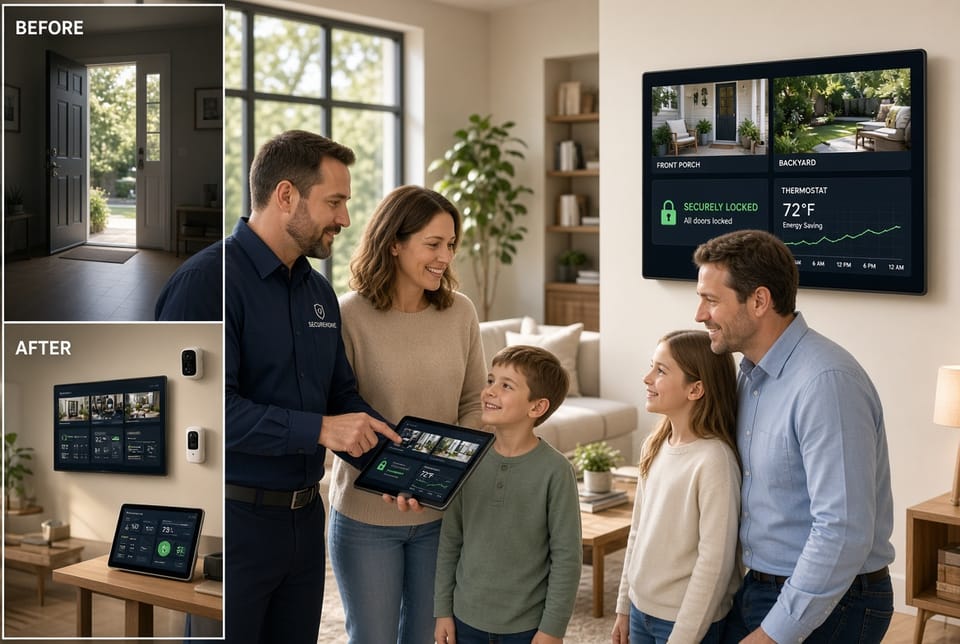
A modern home deserves more than isolated devices. Smart home integration transforms separate cameras, locks, and thermostats into one cohesive security and comfort ecosystem. When these components work together, homeowners gain remote locking, live view monitoring, and measurable energy savings while enjoying greater peace of mind. This guide explains how integration works, how to add each element to an existing security system, and the practical benefits that follow.
Call Now for a Connected, Secure Smart Home
Understanding Smart Home Integration
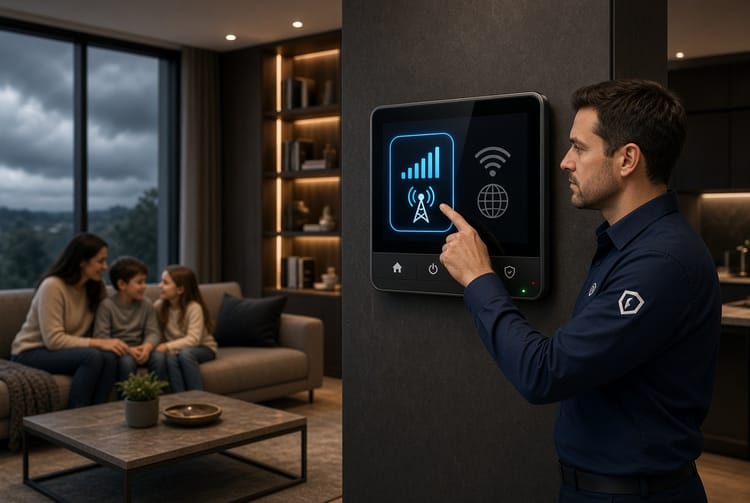
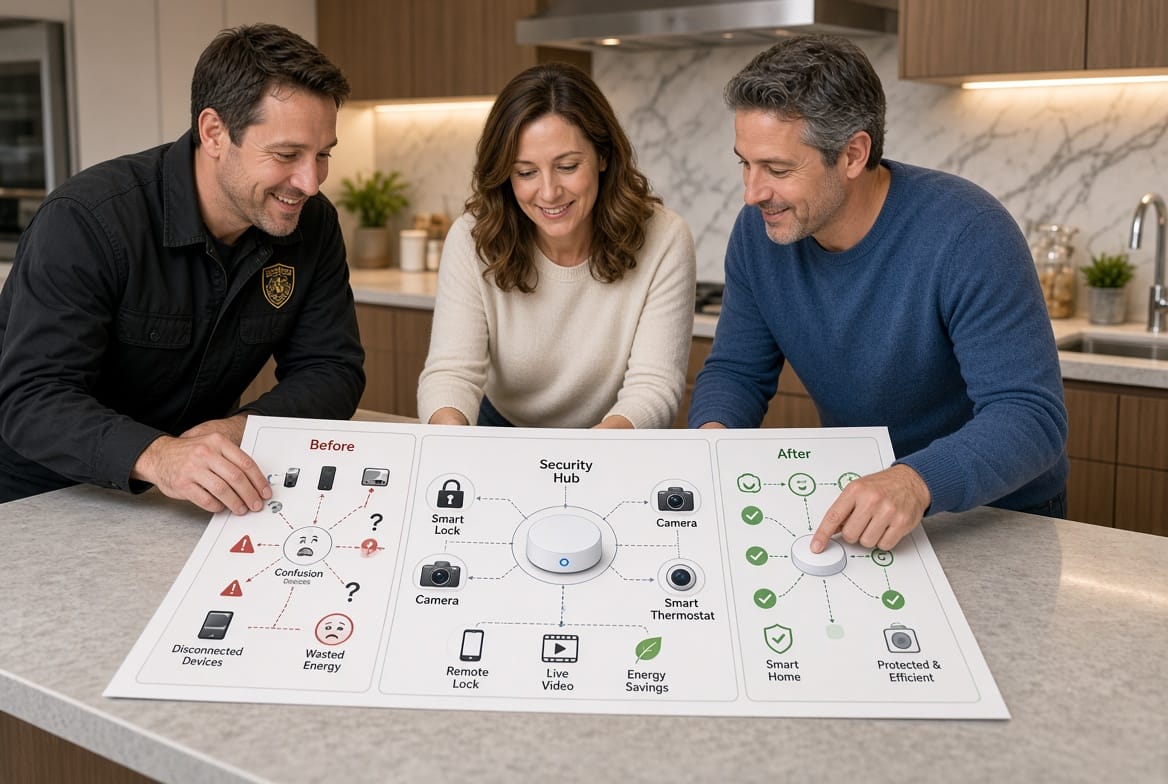
Smart home integration means connecting devices so they communicate through a single platform or hub. Instead of opening three different apps, you control locks, cameras, and climate from one dashboard or voice command. The security system acts as the central nervous system: it receives alerts from cameras, automatically locks doors when you leave, and adjusts the thermostat based on occupancy detected by motion sensors.
Integration relies on compatible protocols such as Z-Wave, Zigbee, Wi-Fi, or Matter. A well-chosen hub or professional monitoring service ensures devices share data securely. The result is automation that feels invisible yet powerful. Lights turn on when a camera detects motion at night, the thermostat lowers when the last person leaves, and doors lock the moment the system is armed.
This connected approach reduces human error. You no longer wonder whether you locked the back door or left the air conditioning running. The system handles routine decisions while you stay informed through notifications and live feeds.
Why Integration Strengthens Home Security
Standalone devices leave gaps. A camera that cannot trigger a lock or a thermostat that ignores occupancy wastes potential. Full integration closes those gaps and delivers layered protection.
- Unified alerts notify you instantly when a door is left unlocked or unexpected motion appears.
- Automated responses lock doors and adjust lighting when cameras detect activity after dark.
- Energy-aware security uses occupancy data from cameras and motion sensors to avoid heating or cooling empty rooms.
- Remote oversight lets you check live views, lock doors, and change temperature from anywhere.
These capabilities create a home that anticipates needs rather than merely reacting. Homeowners report fewer false alarms, lower utility bills, and a stronger sense of control.
Adding Smart Locks for Remote Locking and Access Control
Smart locks replace traditional deadbolts with electronic mechanisms that lock and unlock via app, keypad, or voice. When integrated with a security system, they enable remote locking and automatic scheduling.
How to Add Smart Locks
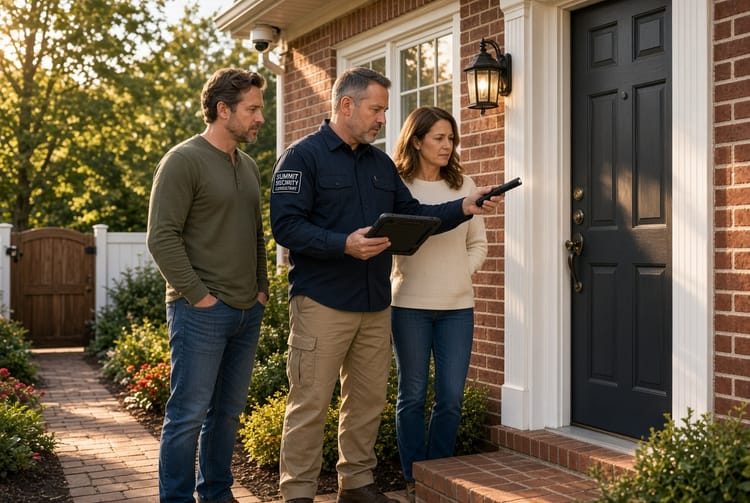
Begin by confirming compatibility with your existing alarm panel or hub. Most professional systems support popular lock brands through certified partners. A technician typically:
- Removes the old lock and installs the smart lock hardware.
- Pairs the lock with the security hub using the manufacturer’s app or a dedicated installer tool.
- Programs unique access codes for family members and temporary guests.
- Tests remote locking from the main dashboard and mobile app.
- Sets automation rules such as “lock all doors when the system is armed” or “unlock the front door when a recognized camera detects an arriving family member.”
Installation usually takes one to two hours per door. Battery-powered models require occasional battery replacement; hardwired options draw power from the existing doorbell or alarm circuit.
Key Benefits of Integrated Smart Locks
Remote locking lets you secure the house after you have already left. If a delivery person needs access, you can grant a one-time code that expires automatically. Integration with cameras adds visual confirmation: you see who is at the door before unlocking it. Geofencing can lock doors the moment your phone leaves a set radius, eliminating the “Did I lock it?” worry.
Smart locks also generate activity logs. You know exactly when each family member arrived or departed. Combined with the security system’s arming status, these logs create a clear picture of daily routines and any deviations.
Integrating Security Cameras for Live View and Intelligent Monitoring
Security cameras provide the eyes of the integrated system. When connected properly, they deliver live view streaming, motion-triggered recordings, and two-way audio that work in concert with locks and thermostats.
How to Add Cameras
Professional installation ensures optimal coverage and reliable connectivity. Typical steps include:
- Surveying the property to identify high-traffic and vulnerable areas.
- Mounting indoor and outdoor cameras at recommended heights and angles.
- Connecting cameras to the security hub via Wi-Fi or Power-over-Ethernet.
- Configuring motion zones so the system ignores trees or passing cars.
- Linking camera events to other devices: a detected person at the front door can trigger a lock status check and a thermostat adjustment if the house is empty.
- Enabling live view on the central dashboard and mobile app with encrypted streaming.
Indoor cameras often double as occupancy sensors. Outdoor cameras with night vision and weather resistance protect perimeters around the clock.
Benefits of Camera Integration
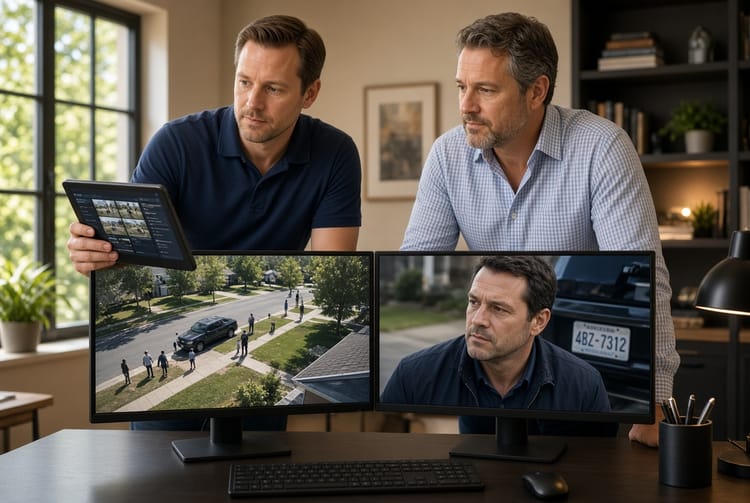
Live view gives instant visual confirmation of any alert. Instead of guessing why a sensor tripped, you open the feed and see the cause. Integration allows cameras to trigger automated sequences: motion after midnight can turn on porch lights, lock remaining doors, and send a notification with a snapshot.
Recorded clips stored in the cloud or on a local hub become searchable evidence if needed. Privacy settings let you disable indoor cameras when you are home, preserving comfort without sacrificing security.
Connecting Smart Thermostats for Energy Savings and Occupancy Awareness
A smart thermostat learns household patterns and adjusts heating and cooling automatically. When integrated with security cameras and locks, it uses real occupancy data rather than simple schedules, producing genuine energy savings.
How to Add a Smart Thermostat
Compatibility with your HVAC system and security platform is essential. Installation generally involves:
- Confirming the existing wiring supports a smart thermostat.
- Mounting the new thermostat and connecting it to the security hub.
- Importing occupancy data from cameras and door sensors.
- Setting energy-saving modes that activate when the security system is armed “Away.”
- Creating rules such as “raise temperature 3 degrees when the last door locks and cameras confirm the house is empty.”
- Testing remote adjustments from the same dashboard used for cameras and locks.
Many thermostats also display outdoor weather and indoor air quality, adding another layer of home awareness.
Benefits of Thermostat Integration
Energy savings of 10–23 percent are common when the thermostat knows the house is unoccupied. Cameras and motion sensors provide more accurate occupancy than a simple schedule. If someone returns unexpectedly, the system can resume comfort settings immediately.
Integration also supports vacation mode: arming the security system automatically sets an energy-efficient temperature and locks all doors. Upon return, unlocking the door or disarming the system can restore preferred settings. The result is comfort without waste.
Combined Benefits of a Fully Integrated System
When cameras, locks, and thermostats operate as one system, the whole becomes greater than the sum of its parts.
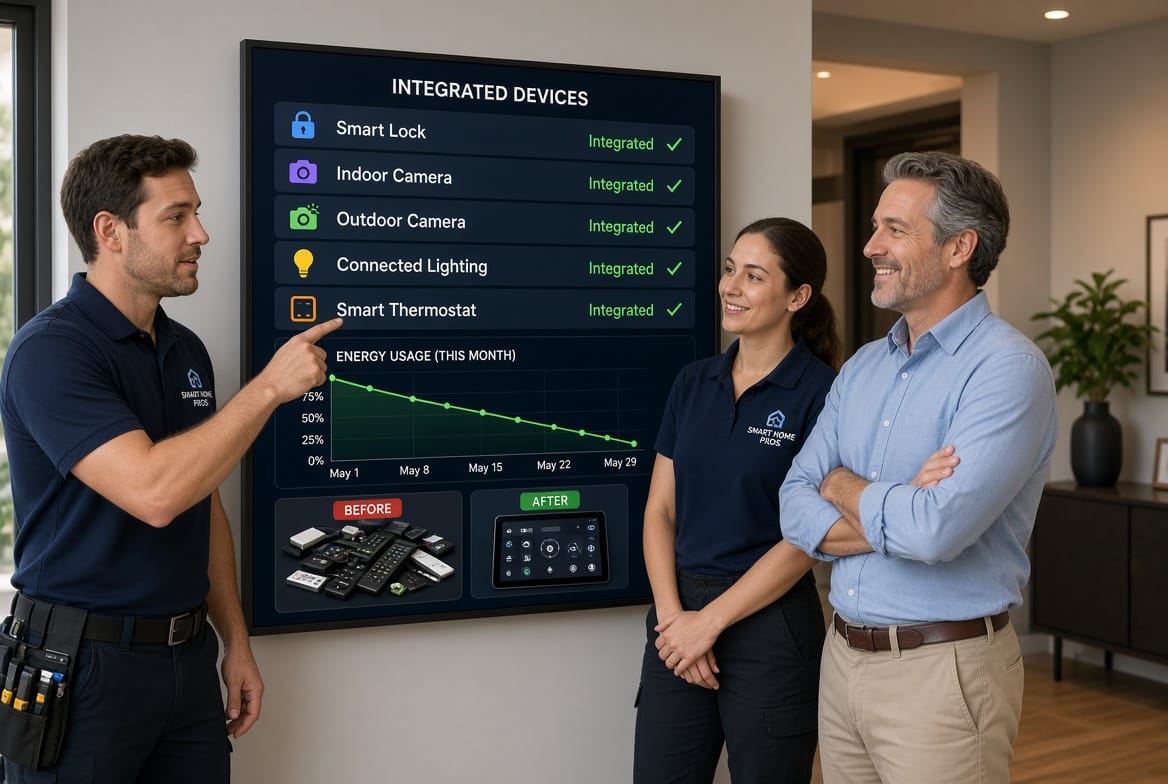
- Single-app control eliminates the need to juggle multiple applications.
- Automated routines handle daily transitions: morning unlock and climate adjustment, evening lock and energy-saving mode.
- Enhanced awareness through correlated data: a camera seeing an unexpected visitor can lock remaining doors and send an alert.
- Lower operating costs from reduced energy use and fewer service calls caused by forgotten locks or running HVAC.
- Scalability that easily adds lights, garage doors, or leak sensors later.
Homeowners frequently describe the experience as “the house taking care of itself.” That feeling of reliability is the true value of integration.
Practical Considerations and How Professionals Address Them
Integration is powerful, yet certain factors deserve attention. Compatibility between brands can be limited; choosing a professionally supported ecosystem avoids frustration. Cybersecurity remains important: reputable systems use end-to-end encryption and regular firmware updates. A certified installer configures strong passwords, two-factor authentication, and network segmentation so cameras and locks stay isolated from everyday internet traffic.
Power and internet outages are another consideration. Battery backups for hubs and locks, plus cellular monitoring options, keep core functions running. Professional monitoring services add an extra layer by dispatching help even if your phone is offline.
These potential issues are readily managed with proper planning. An experienced provider evaluates your current system, recommends compatible devices, and handles configuration so you receive a turnkey solution rather than a collection of gadgets.
Getting Started with Integration
The process is straightforward when guided by professionals:
- Schedule a complimentary assessment of your existing security system and home layout.
- Receive a customized plan that lists recommended locks, cameras, and thermostats.
- Approve the design and set an installation date.
- Watch as technicians complete the work, test every connection, and train you on the dashboard.
- Enjoy immediate remote locking, live view, and energy savings.
Most integrations are completed in a single visit. Ongoing support includes remote diagnostics and seasonal check-ins to keep everything optimized.
Create a Connected, Secure Home
A truly protected home is one in which every device supports the others. By adding smart locks for remote locking, cameras for live view, and thermostats for energy savings, you create an environment that is both safer and more comfortable. Integration removes guesswork, lowers costs, and delivers the quiet confidence that comes from knowing your home is watching, locking, and adapting even when you are not there.
Ready to experience the difference? A knowledgeable specialist will walk you through the possibilities and help you design a system tailored to your family’s needs. Your connected, secure home is closer than you think.
Unify Your Cameras, Locks & Thermostat – Call Now