The Security System Chirping: Low Battery and Trouble Alerts
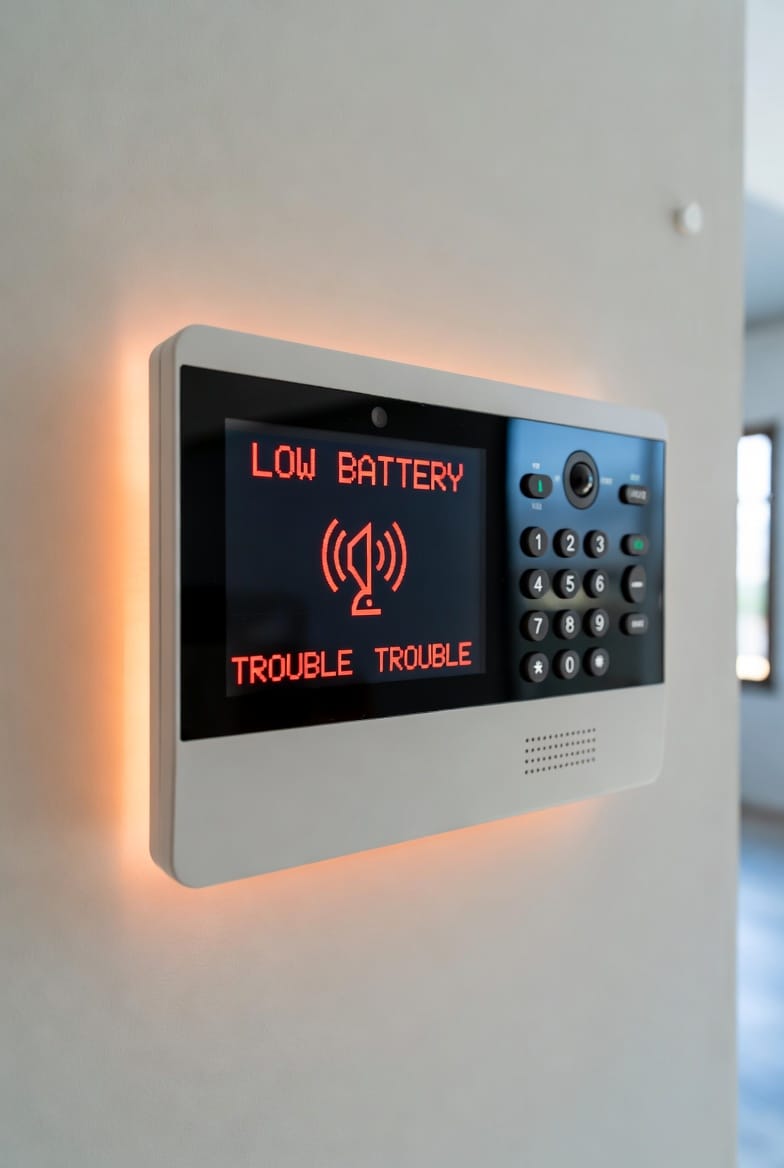
Is your home security system chirping at random intervals? That persistent beep can be unsettling, especially in the middle of the night. But rest assured — in most cases, these alerts are designed to protect you, not signal an immediate emergency. Understanding what your system is trying to tell you empowers you to respond quickly and keep your home secure.
Stop the Beeps & Restore Protection – Call Today!
At Home Security Pros, we’ve helped thousands of homeowners resolve these common issues efficiently. This comprehensive guide walks you through the most frequent trouble alerts, what they mean, how to diagnose them, and simple steps to restore peace and protection.
Why Your Security System Chirps: Understanding the Basics
Modern security systems are engineered to self-monitor. When something affects performance — whether a low battery, power issue, or communication glitch — the system emits audible beeps or chirps to notify you.
Ignoring these alerts can leave your home vulnerable. A system in “trouble” mode may fail to detect intrusions or send emergency signals when needed. The good news? Most issues are quick and inexpensive to fix yourself.
Common Security System Alerts and Their Meanings
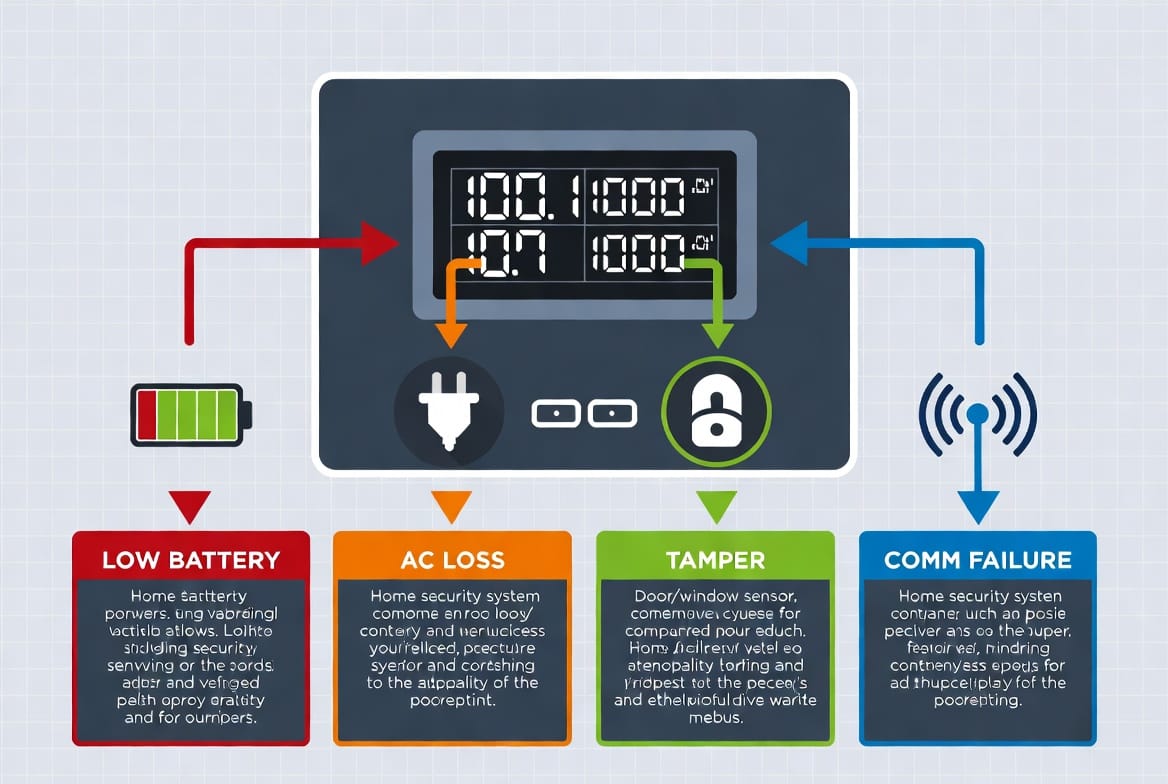
Here are the most typical trouble conditions you’ll encounter:
- Low Battery on Sensor or Panel — The system chirps intermittently (often every 30–60 seconds) when a battery in a door/window sensor, motion detector, or the main panel is running low.
- AC Power Loss — Steady or repeating beeps indicating the system has lost its primary electrical power and is running on backup battery.
- Tamper Alert — Triggered when a sensor cover is opened or the panel itself is disturbed.
- Communication Failure — The system cannot reach the monitoring center, often due to phone line, cellular, or internet issues.
- Zone Fault — A specific area (door, window, or motion zone) is showing an open or malfunctioning status.
Bold Tip: Always check your system’s display panel first — it provides specific error codes or text messages that pinpoint the exact problem.
How to Identify the Source of the Chirping
Locating the cause takes just a minute:
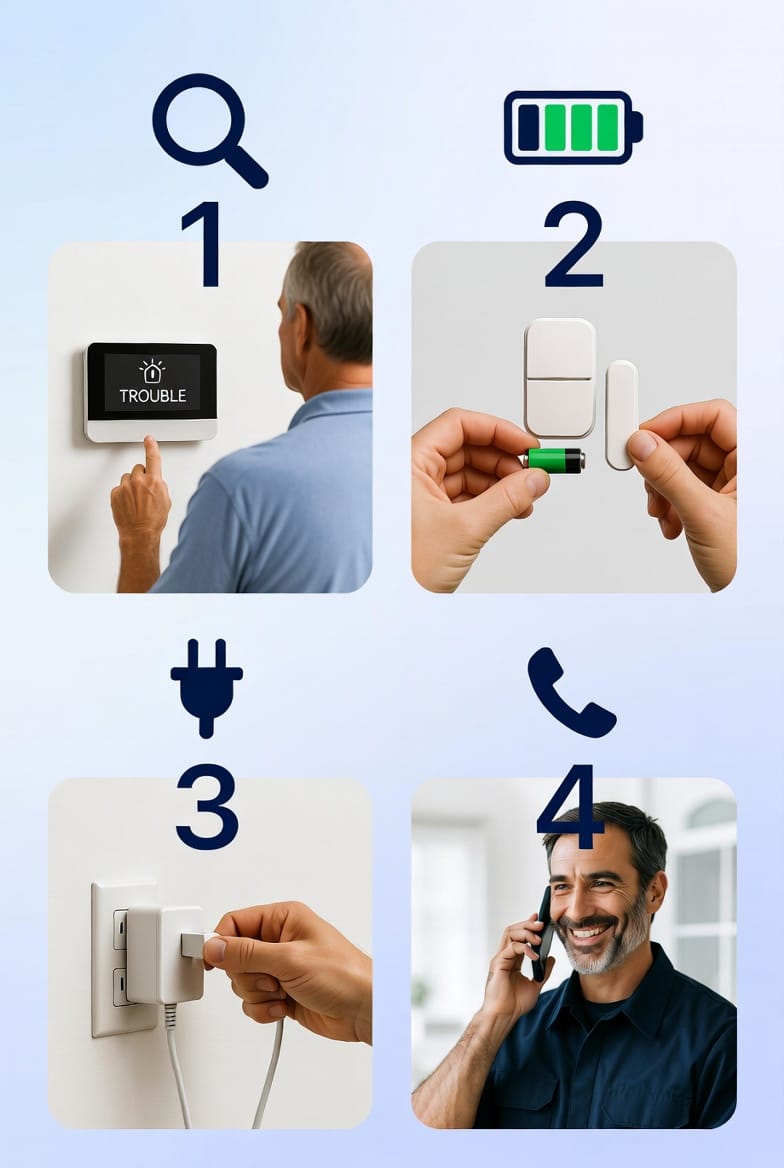
- Approach the main control panel and note the displayed message.
- Listen carefully — the pattern of beeps often corresponds to specific trouble types.
- Check individual sensors if the panel indicates a particular zone.
Most panels from brands like ADT, Honeywell, Vivint, or Alarm.com show clear text alerts such as:
- “LOW BATTERY”
- “AC LOSS”
- “COMM FAILURE”
- “TAMPER”
Step-by-Step Fixes for the Most Common Issues
1. Replacing Low Batteries (Most Frequent Cause)
Low battery alerts are by far the most common chirp source.
- Open the sensor cover (usually slides or pops off).
- Replace with the exact recommended battery type (often CR123A, CR2, or AA lithium).
- Test the sensor by opening/closing the door or walking past the motion detector.
- Silence the panel alert once the new battery is installed.
Pro Tip: Replace all system batteries every 3–4 years as preventive maintenance, even if no alert has sounded.
2. Resolving AC Power Loss
If your panel shows “AC LOSS”:
- Verify the transformer is plugged into a working outlet.
- Check your circuit breaker — power surges can trip it.
- Wait 5–10 minutes after restoring power for the system to stabilize.
- The backup battery should keep the system running during short outages.
3. Handling Tamper Alerts
Tamper alerts usually resolve by:
- Properly closing and securing all sensor covers.
- Ensuring the main panel is mounted firmly and not jostled.
- Entering your master code to clear the alert.
4. Fixing Communication Failures
- For landline systems: Check phone cable connections.
- For cellular systems: Verify signal strength in the panel settings.
- For Wi-Fi systems: Restart your router and confirm network connection.
When to Call a Professional for Security System Support
While many issues are DIY-friendly, some situations require expert attention:
- Persistent alerts that won’t clear after basic fixes
- Multiple sensors failing simultaneously
- Communication failures lasting more than a few hours
- Older systems (10+ years) showing recurring problems
- Uncertainty about which battery type or procedure to follow
Don’t risk gaps in your home protection. Our certified technicians can perform a full system diagnostic, replace aging components, and optimize your setup for maximum reliability.
Preventive Maintenance: Keep Your System Chirp-Free
Smart homeowners follow these best practices:
- Test your system monthly — most panels have a test mode.
- Schedule annual professional inspections.
- Monitor battery life using your panel’s status menu.
- Update firmware when prompted by your provider.
- Consider upgrading to newer wireless systems with longer battery life.
A well-maintained security system gives you true peace of mind — quiet operation and dependable protection around the clock.
Final Thoughts: Don’t Ignore the Chirps
That seemingly annoying chirp is actually your security system looking out for you. By addressing low battery, power loss, tamper, and communication alerts promptly, you ensure your home remains safe and your monitoring service stays active.
Take action today. Silence the beeps, restore full protection, and sleep soundly knowing your family and property are secure.
Need help right now? Our team is ready to assist.
Silence the Chirps – Professional Security Check Today