The Security System Battery Replacement: When and How to Change Batteries
Maintaining your home security system is one of the smartest investments you can make for your family's safety. While these systems are designed to be reliable, even the most advanced setups require simple routine care. Security system battery replacement stands out as an essential maintenance task that ensures uninterrupted protection when you need it most.
Don’t Wait for System Failure – Get Expert Battery Replacement Now!
Many homeowners overlook this crucial step until warning signs appear. Understanding when and how to replace batteries can prevent system failures and give you peace of mind. In this comprehensive guide, we'll walk through everything you need to know about keeping your security system fully powered.
Why Regular Battery Maintenance Matters
Your home security system serves as the first line of defense against intruders, fire, and other emergencies. However, without proper power, even the best equipment becomes ineffective.
Battery failure is one of the leading causes of security system malfunctions. Regular replacement prevents false alarms, ensures sensors communicate properly, and maintains constant connectivity with monitoring centers.
Key benefits of timely battery replacement include:
- Continuous 24/7 protection
- Reduced risk of system downtime during power outages
- Extended overall lifespan of your security equipment
- Lower chance of costly emergency service calls
- Enhanced reliability of all connected devices
By treating security system battery replacement as routine maintenance, you avoid unnecessary stress and maintain optimal performance.
Understanding Typical Battery Life in Security Systems
Different components in your security system have varying battery lifespans based on usage and type:
- Backup batteries (for the main control panel): Typically last 3-5 years under normal conditions. These sealed units provide power during outages.
- Wireless sensors and detectors: Usually require replacement every 1-2 years. Door/window contacts, motion sensors, and smoke detectors use more power due to frequent activity.
- Key fobs and remotes: Coin cell batteries often last 2-3 years with moderate use.
Factors that influence battery life include:
- Frequency of system arming/disarming
- Environmental conditions (extreme temperatures shorten life)
- Quality of batteries used
- How often sensors trigger
Pro Tip: Mark replacement dates on your calendar to stay ahead of potential issues.
Recognizing Signs of Low Battery
Your security system will alert you when batteries begin to fail. Don't ignore these important warnings:
- Chirping sounds: A periodic beep from the control panel or individual sensors usually indicates low battery.
- Trouble lights or error messages: Flashing indicators on the keypad or app notifications.
- Delayed response: Sensors taking longer to register activity.
- False alarms or no alarms: Inconsistent performance from doors, windows, or motion detectors.
- App or monitoring alerts: Modern systems send direct notifications to your smartphone.
Addressing these signs promptly through security system battery replacement prevents complete system failure and maintains your protection level.
Types of Batteries Used in Home Security Systems
Security systems use several battery types, each serving specific purposes:
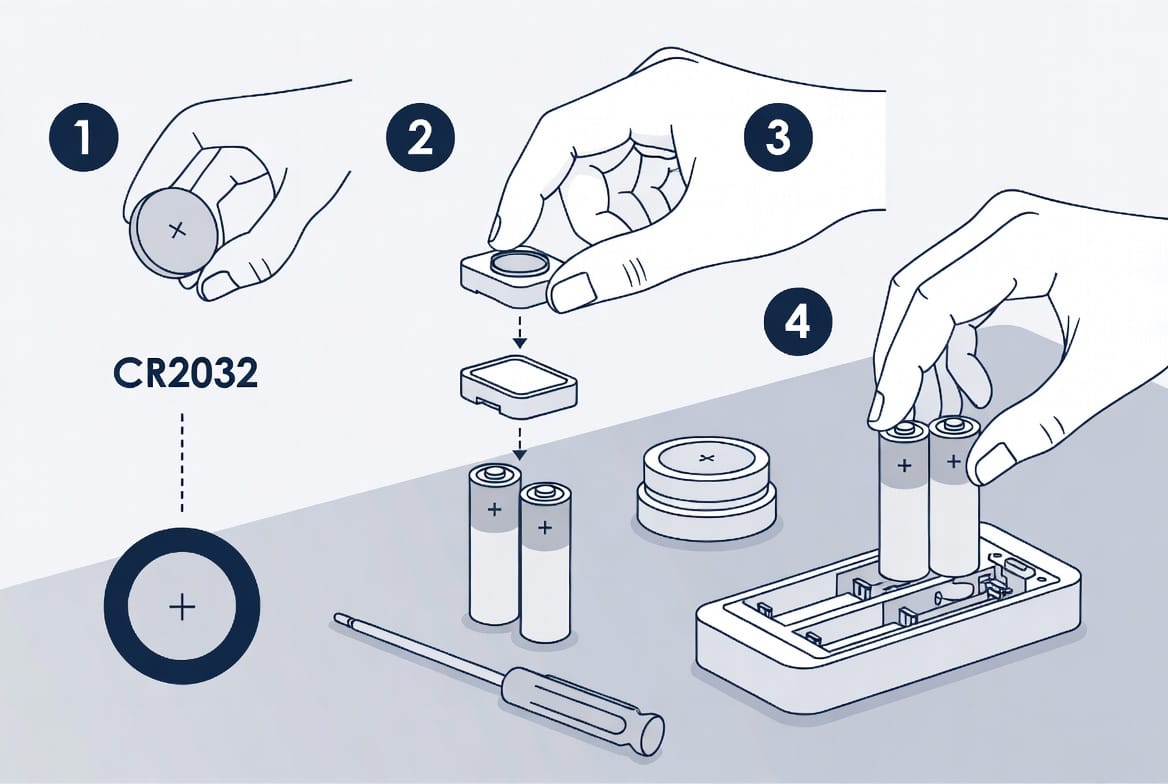
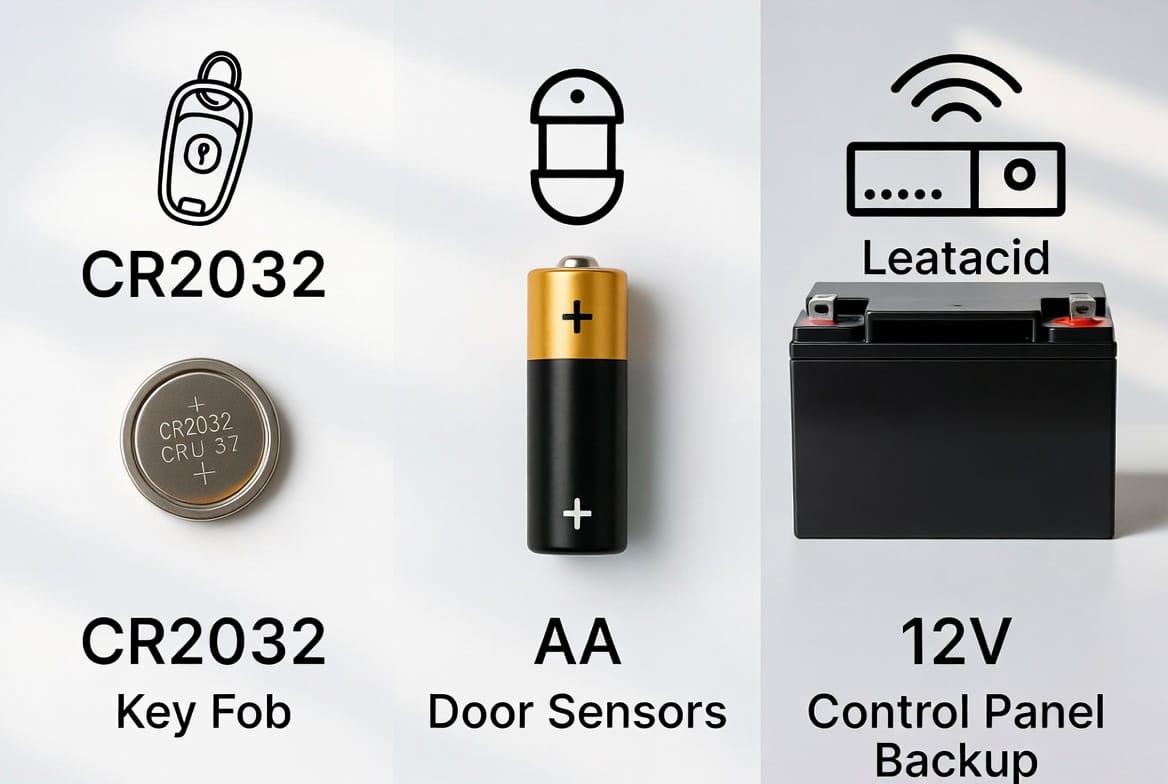
- CR2032 coin cell batteries: Common in key fobs, glass break sensors, and some small detectors.
- AA alkaline or lithium batteries: Widely used in door/window contacts and motion sensors.
- Lithium batteries: Preferred for high-drain devices due to longer life and better performance.
- Sealed lead-acid (SLA) batteries: Large backup batteries for the main control panel.
Choosing the correct replacement battery type is critical for proper function and safety.
Step-by-Step Guide to Security System Battery Replacement
Preparing for Replacement
Before starting, gather the right tools and materials:
- New batteries of the correct type and voltage
- Screwdriver set
- Owner's manual for your specific system
- Gloves for handling larger batteries
- Notebook to record replacement dates
Safety first: Always disarm your system before opening panels or replacing batteries.
Replacing Sensor Batteries (Door/Window Contacts, Motion Detectors)
- Locate the sensor and open the cover carefully.
- Remove old batteries and dispose of them properly.
- Insert fresh batteries following polarity markings (+/-).
- Close the cover securely and test the sensor.
- Clear any trouble codes on your control panel.
Changing Control Panel Backup Batteries
Backup batteries require more attention due to their size:
- Power down the system if recommended by manufacturer.
- Open the control panel carefully.
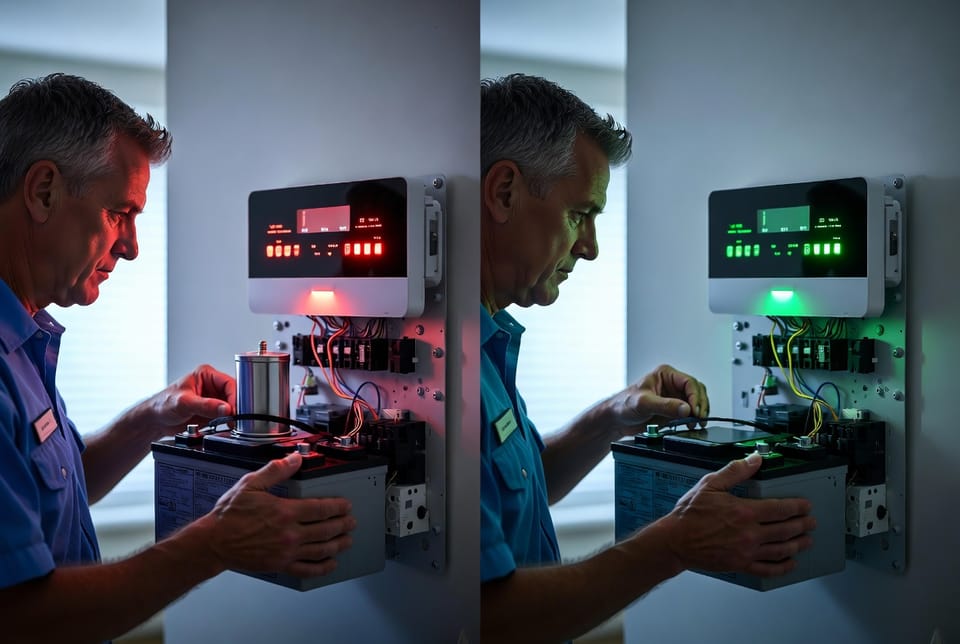
- Disconnect and remove the old sealed lead-acid battery.
- Install the new battery and reconnect wires properly.
- Close the panel and restore power.
- Allow time for the system to recognize the new battery.
Key Fob and Remote Battery Replacement
These are typically quick jobs:
- Open the key fob casing.
- Replace the CR2032 coin battery.
- Reassemble and test all functions.
Common Mistakes to Avoid
Many homeowners make simple errors during security system battery replacement:
- Using incorrect voltage or type of battery
- Ignoring polarity when inserting batteries
- Not testing sensors after replacement
- Mixing old and new batteries
- Delaying replacement until complete failure occurs
Avoiding these mistakes ensures smooth operation and prevents damage to your equipment.
When to Consider Professional Help
While many battery replacements are DIY-friendly, certain situations call for expert assistance:
- Complex wired systems
- Uncertainty about battery type or location
- Persistent trouble signals after replacement
- Older systems with outdated components
- Integrated smart home setups
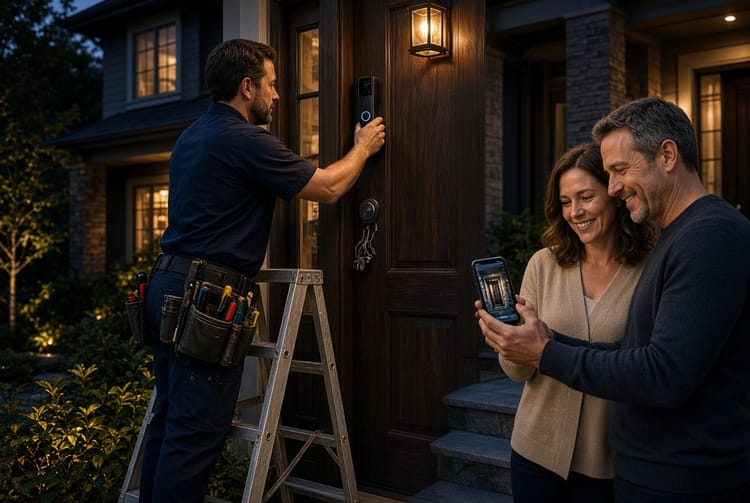
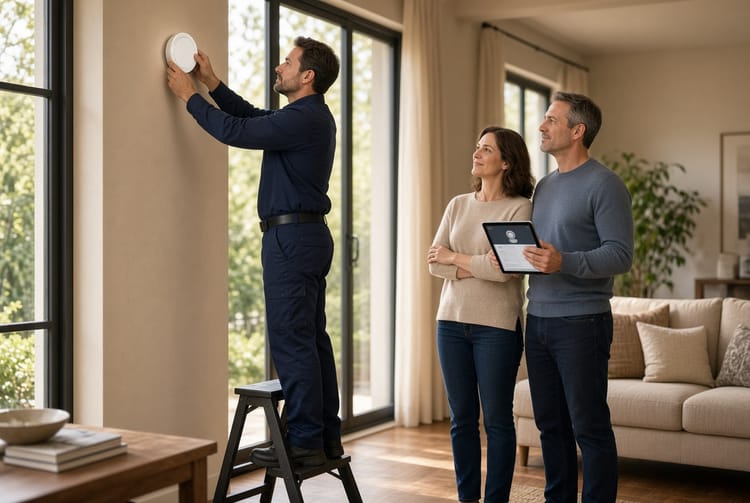
Professional technicians can perform security system battery replacement quickly and verify overall system health at the same time.
Maintaining Your System Year-Round
Beyond battery changes, adopt these good habits:
- Test your system monthly
- Keep spare batteries on hand
- Schedule annual professional inspections
- Update your system firmware when available
- Monitor environmental factors affecting battery life
These practices maximize reliability and minimize unexpected issues.
The Peace of Mind That Comes with Proper Maintenance
A well-maintained security system delivers consistent protection for your home and loved ones. Security system battery replacement is a small task with significant impact on your overall safety strategy.
By staying proactive, you ensure your investment continues working effectively year after year. Modern systems are built for reliability, but they still depend on proper care from responsible homeowners.
Don't wait for warning chirps or system failures. Regular maintenance, including timely battery replacement, keeps your home security system operating at peak performance.
Keep your system powered and your family protected. For expert security system battery replacement service.
Our experienced technicians provide fast, reliable service for all major security system brands, ensuring your home remains safe and secure.
Professional Security System Battery Replacement – Call Now for Fast Service