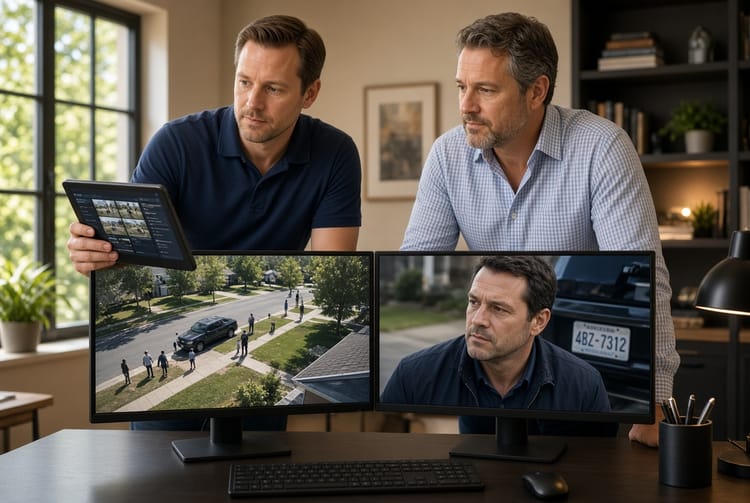
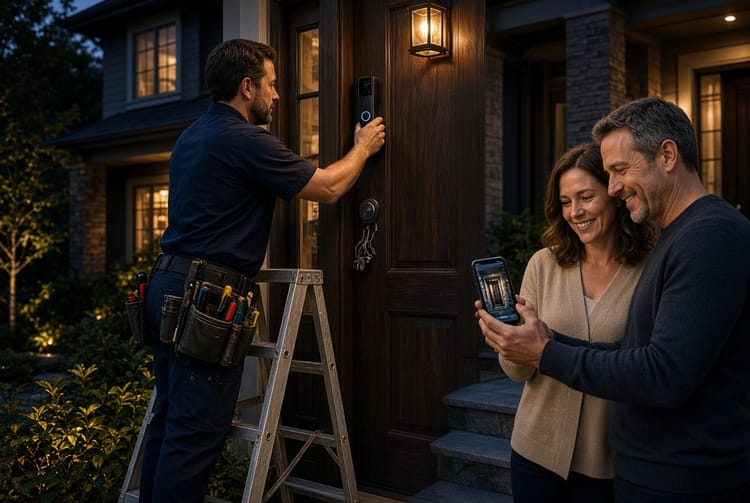
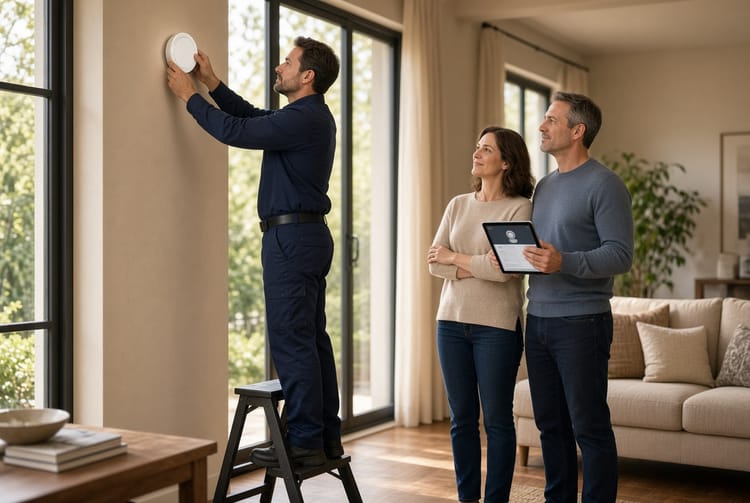
The Security System App Notifications: Customizing Alerts for What Matters
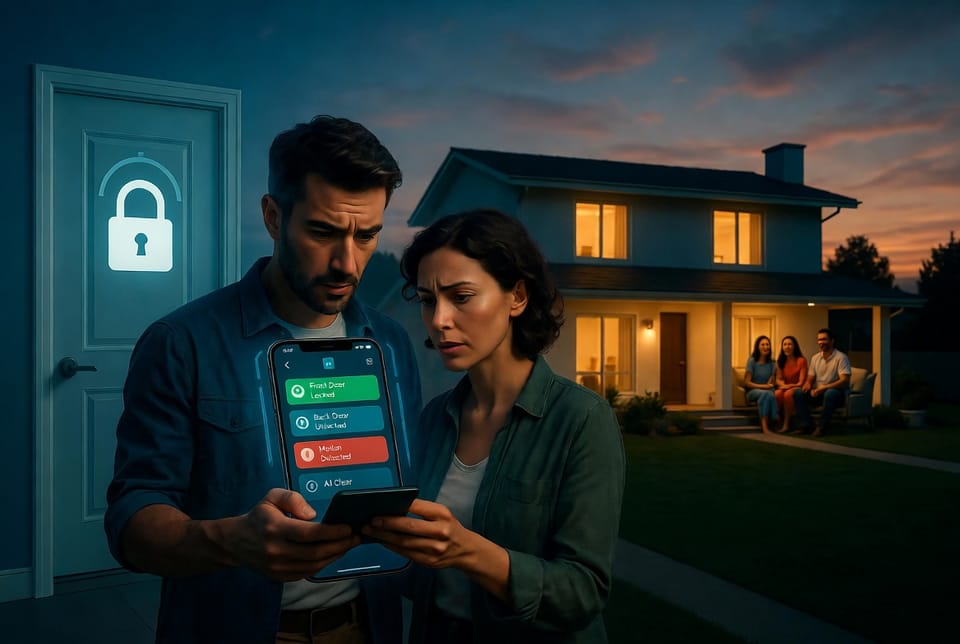
In today's connected world, your home security system does more than protect your property — it keeps you informed in real time. The key to making it truly effective lies in customizing security system app notifications. When set up correctly, these alerts provide peace of mind without the noise of unnecessary interruptions.
Get Smart Security Notifications That Matter – Call Now!
Whether you're at work, traveling, or simply relaxing at home, smart notification customization ensures you receive instant alerts for intrusion, appropriate delays for routine activity, and critical notifications for life-safety events like fire or carbon monoxide (CO). This guide walks you through everything you need to know to tailor your alerts perfectly.
Customized notifications transform your security experience from reactive to proactive. You stay informed about genuine threats while ignoring harmless daily events. Professional installers and smart home experts agree: proper customization is one of the most important steps after system installation.
Why Smart Notification Features Matter for Your Home Security
Modern security systems come equipped with advanced smart features that go far beyond basic alarms. These include:
- Real-time sensor monitoring across doors, windows, motion detectors, and environmental sensors
- Multi-channel delivery options (push notifications, email, SMS)
- Urgency-based filtering that distinguishes between routine activity and emergencies
- User-specific rules for different family members or household roles
- Integration with smart home ecosystems for automated responses
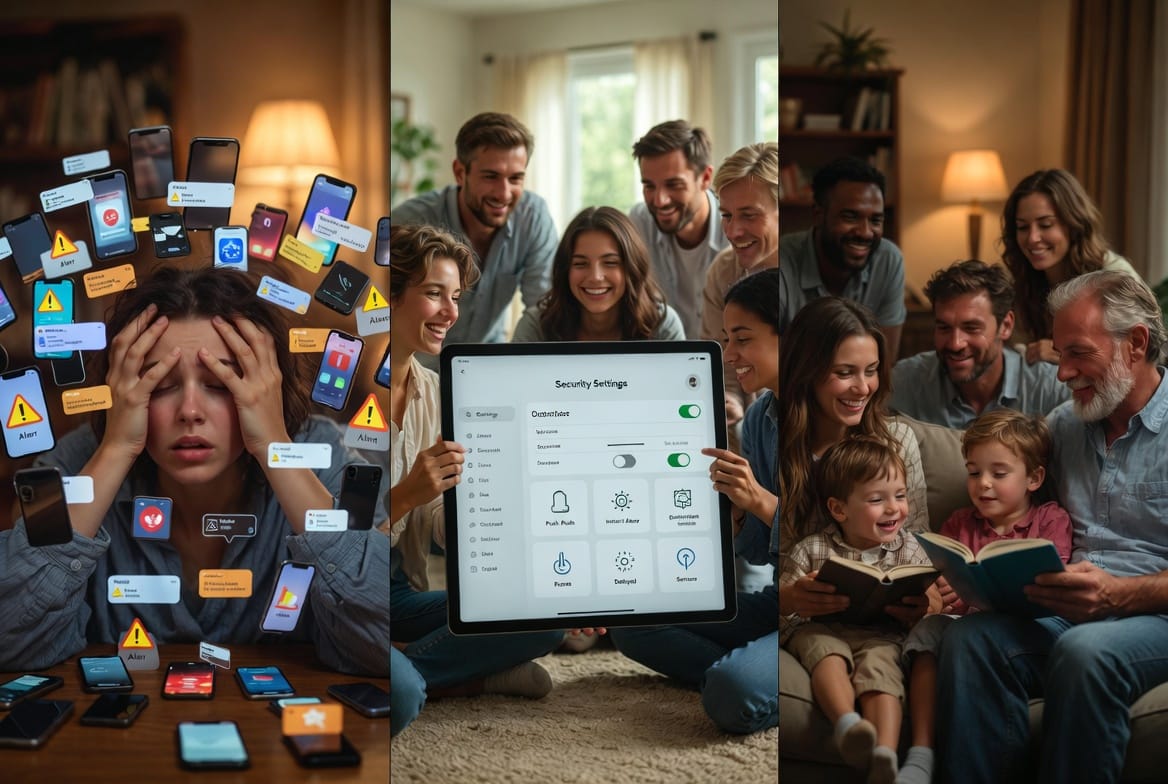
When properly configured, these features reduce alert fatigue significantly. Families report feeling more secure and less overwhelmed, knowing their system works intelligently on their behalf.
Bold key benefit: Peace of mind comes from getting the right information at the right time — not from constant buzzing.
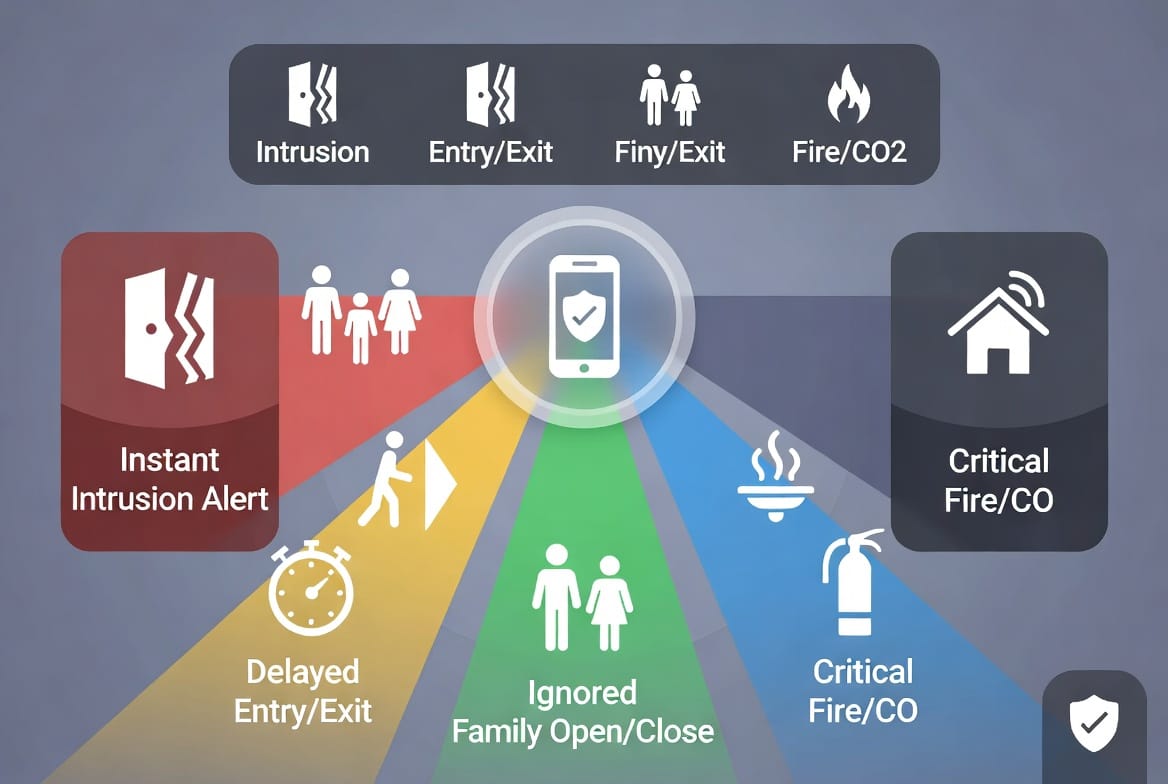
Understanding Notification Types and Urgency Levels
Effective customization starts with understanding the different notification types available in most professional security apps.
Instant alerts trigger immediately upon detection — perfect for potential break-ins or unauthorized entry.
Delayed notifications provide a short buffer for authorized entry/exit, giving you time to disarm the system.
Ignored or low-priority alerts handle routine sensor activity like family members coming and going.
Critical alerts demand immediate attention for smoke, fire, or dangerous CO levels.
These layers create a smart hierarchy that respects your lifestyle while maintaining robust protection.
Step-by-Step Guide to Customizing Your Security App Notifications
Customizing your alerts is straightforward with most professional security platforms. Follow these steps for optimal results:
- Open the Security App and navigate to the notification or alert settings section.
- Review Connected Sensors — identify each door, window, motion detector, and environmental sensor.
- Create Notification Rules based on time of day, user presence, and sensor type.
- Set Delivery Preferences — choose push notifications for speed, email for records, or both.
- Test Your Configuration thoroughly during different scenarios.
- Refine Over Time as your household routines evolve.
Professional monitoring services often assist with initial setup, ensuring your rules align with best security practices.
Customizing Instant Alerts for Intrusion Detection
Intrusion alerts represent the cornerstone of any home security system. When a perimeter sensor detects unauthorized activity, you want immediate awareness.
Key recommendations include:
- Enable instant push notifications for all exterior doors and windows.
- Add SMS backup for critical entry points.
- Include motion sensors in high-risk areas with photo or video clip attachments.
- Set geofence triggers so alerts adjust automatically when you're away.
These instant alerts give you precious minutes to respond — whether calling authorities, checking live camera feeds, or verifying with family members. Users consistently report higher confidence levels after implementing strong intrusion notification rules.
Implementing Delayed Notifications for Entry and Exit
Not every door opening requires an immediate alert. Delayed notifications provide a grace period for legitimate activity.
Typical settings:
- 30-60 second delay for main entry doors during expected hours.
- Automatic disarm reminders sent to primary users' phones.
- Scheduled delays for mornings and evenings when family traffic is highest.
This approach prevents unnecessary stress while maintaining security. Parents appreciate knowing kids arrived home safely without constant pings throughout the day.
Handling Routine Activity with Ignored Notifications
For families, open/close sensors on interior doors or frequently used entries can generate excessive alerts. The solution? Smartly ignore routine activity.
Best practices:
- Mark specific sensors as "family-friendly" during daytime hours.
- Create user profiles so children or regular visitors don't trigger full alerts.
- Use activity logging instead of notifications for low-concern areas.
- Set quiet hours where only critical events break through.
This customization keeps your phone calm during normal family life while preserving full protection.
Critical Alerts for Fire and Carbon Monoxide Protection
Life-safety events demand special handling. Fire and CO alerts should always bypass normal filters.
Configure these as:
- Loud, persistent notifications across all devices.
- Multiple contact methods — push, SMS, email, and even automated calls.
- Direct connection to professional monitoring centers.
- Location-specific details included in every alert.
These critical systems can literally save lives. Professional security providers emphasize testing these alerts regularly and ensuring all household members understand their meaning.
Advanced Customization Tips for Power Users
Take your security notifications further with these expert strategies:
- Time-based rules that adjust automatically (stricter at night, relaxed during parties).
- Location awareness using your phone's GPS to change alert behavior when you're home versus away.
- Group notifications that bundle minor events into summary reports.
- Integration with voice assistants for hands-free alert management.
- Detailed logging and analytics to review monthly activity patterns.
Many users discover they can reduce notification volume by 70-80% while actually improving their overall security awareness through smarter rules.
Common Mistakes to Avoid When Setting Up Alerts
Even experienced users sometimes make these errors:
- Setting everything to instant, leading to notification burnout.
- Ignoring sensor-specific customization.
- Forgetting to update rules when household routines change (new baby, teenagers, guests).
- Overlooking testing across different network conditions.
- Neglecting to include secondary users in notification groups.
Avoiding these pitfalls ensures your system remains effective long-term. Regular reviews — perhaps quarterly — keep everything optimized.
The Benefits of Well-Customized Security Notifications
Families and homeowners who master their security system app notifications experience:
- Reduced anxiety from false alarms
- Faster response times to genuine threats
- Better family coordination and peace of mind
- More effective use of professional monitoring services
- Enhanced overall smart home integration
The result is a security system that truly works with your lifestyle rather than against it.
Getting Started with Professional Help
While the process is user-friendly, many prefer expert assistance for initial setup. Professional technicians can configure complex rules, demonstrate best practices, and ensure seamless integration with your existing sensors and cameras.
Don't hesitate to reach out for personalized guidance on optimizing your alerts.
Conclusion
Mastering your security system app notifications means getting the alerts you need and ignoring the rest. With thoughtful customization — instant alerts for intrusion, appropriate delays for entry/exit, smart ignoring of family activity, and critical priority for fire and CO — you create a truly intelligent security solution tailored to your home and family.
Take control of your notifications today and enjoy the confidence that comes with a properly configured system.
Master Your Home Security Alerts – Speak to an Expert