The Security System App Notifications: Customizing Alerts for What Matters
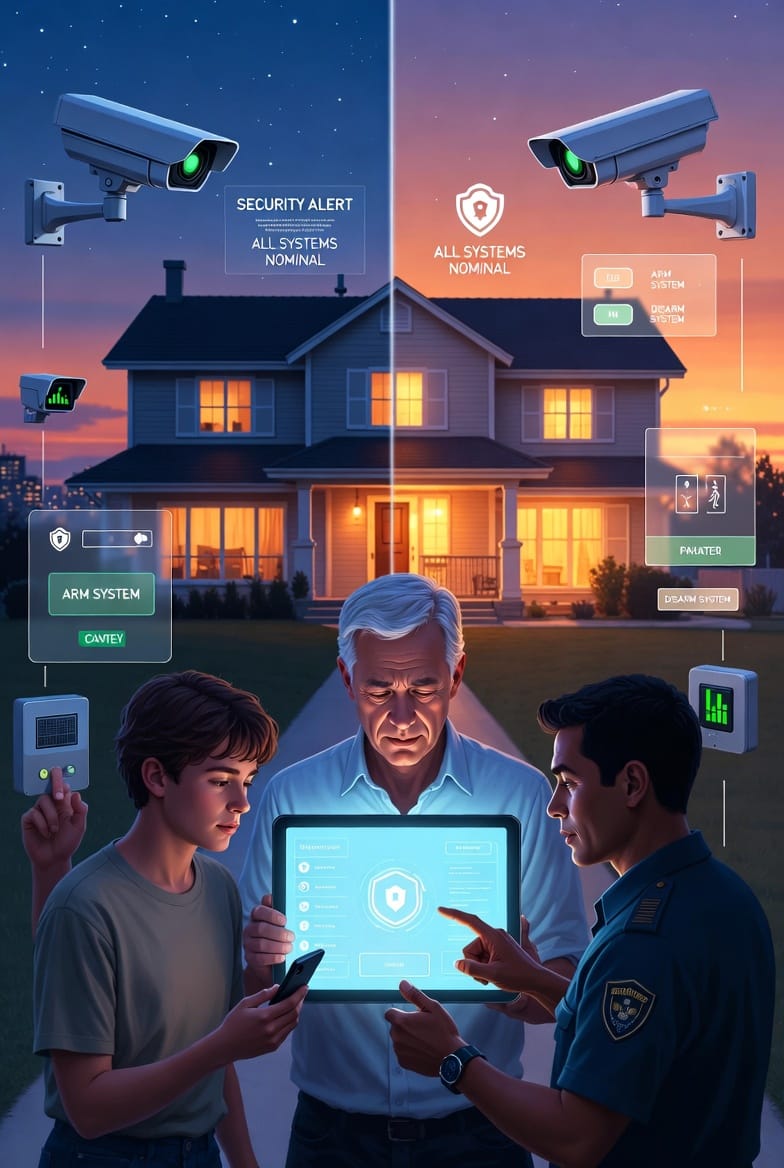
In today's connected world, home security systems have evolved far beyond simple alarms. The true power lies in your security system app notifications — intelligent, customizable alerts that keep you informed without overwhelming your daily life.
Get Smart Security Notifications Now – Call Now!
Whether you're protecting a busy family household, a remote vacation property, or a small business, learning to tailor these notifications ensures you receive critical information when it counts most, while filtering out routine activity. This comprehensive guide walks you through smart features, practical customization strategies, and expert tips to optimize your home security experience.
Modern smart home security apps transform raw sensor data into actionable insights. No longer will you receive a constant barrage of irrelevant pings. Instead, you gain precise control over what triggers alerts, how they're delivered, and when they arrive.
Understanding Smart Notification Features
Today's leading home security platforms leverage advanced technology to deliver highly intelligent notifications. These systems use artificial intelligence and machine learning to distinguish between genuine threats and everyday occurrences.
Key smart features include:
- Real-time event detection powered by AI that analyzes motion patterns, door/window states, and environmental changes.
- Multi-sensor integration combining cameras, motion detectors, glass-break sensors, and environmental monitors.
- Geofencing capabilities that automatically adjust notification sensitivity based on your location.
- Learning algorithms that adapt over time to your household routines, reducing false positives.
These innovations mean your security system becomes an extension of your lifestyle — protective yet unobtrusive. Families report feeling more secure and less stressed once they master customization.
How to Customize App Notifications: A Step-by-Step Approach
Customizing security system app notifications is straightforward and highly effective. Most apps feature an intuitive settings menu where you can fine-tune alerts for different scenarios.
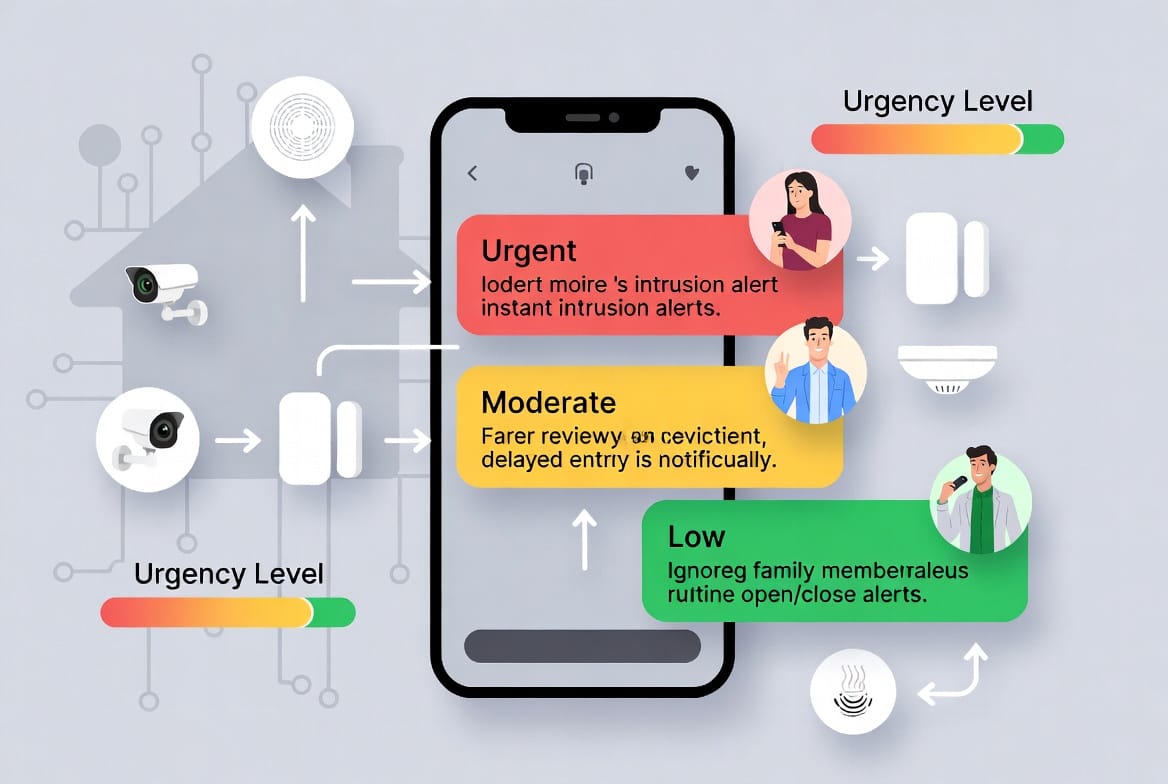
Setting Instant Alerts for Intrusions
Instant alerts are your first line of defense against unauthorized entry. Configure these for:
- Motion detection in protected exterior zones
- Glass-break sensors
- Forced entry attempts on doors or windows
When enabled, these notifications arrive immediately via push alerts, often accompanied by live camera feeds and siren activation options. This rapid response capability can deter intruders and enable quick action by authorities if needed.
Pro Tip: Combine instant alerts with video verification features. Many systems now allow one-tap access to live or recorded footage directly from the notification.
Implementing Delayed Notifications for Entry/Exit
Not every door opening requires immediate attention. Delayed alerts provide a grace period — typically 30 to 60 seconds — allowing legitimate users time to disarm the system.
This setting is ideal for:
- Main entry doors during expected arrival times
- Garage doors used by family members
- Interior motion sensors during active hours
By using delayed notifications, you maintain security without generating unnecessary interruptions. The system logs the activity for later review while keeping your phone quiet.
Configuring Ignored Alerts for Routine Open/Close Activity
For households with children or frequent visitors, ignored alerts (sometimes called "silent" or "log-only" mode) prevent notification fatigue from normal door and window activity.
Perfect scenarios include:
- Kids coming home from school
- Regular family member movements between rooms
- Pet activity in monitored zones
These events are recorded securely in your activity log but won't trigger phone alerts. This customization dramatically improves user experience while preserving complete historical data for review.
Prioritizing Critical Alerts for Fire and CO Detection
Life-safety notifications demand the highest priority. Configure critical alerts for:
- Smoke and fire detectors
- Carbon monoxide (CO) sensors
- Flood or leak detection (in applicable systems)
- Temperature extremes that could indicate HVAC failure
These alerts typically bypass all quiet hours, use distinctive sounds or vibrations, and often include automated emergency contact options. Protecting your loved ones from invisible dangers like CO poisoning remains paramount.
Advanced Customization Options
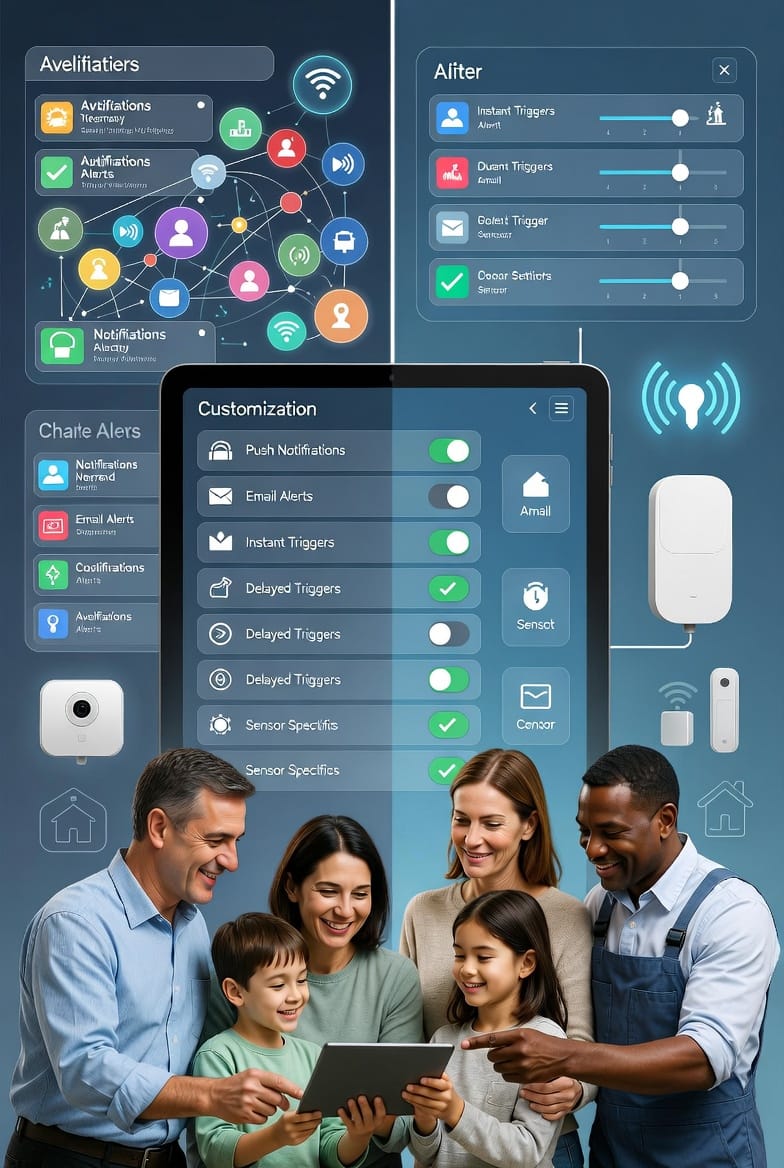
Beyond basic trigger types, explore these powerful settings to further personalize your experience:
- Push vs. Email Notifications: Reserve push alerts for urgent matters and use email summaries for daily or weekly activity reports.
- Scheduling and Quiet Hours: Set "Do Not Disturb" periods for nighttime or family movie time while maintaining critical alert overrides.
- User-Specific Profiles: Create different notification rules for each family member based on their roles and preferences.
- Sensor-Specific Rules: Assign unique behaviors to individual devices — for example, front door camera activates video on motion, while backyard sensor only logs activity.
Benefits of Well-Customized Security Notifications
Properly configured alerts deliver numerous advantages:
- Reduced Alert Fatigue: Families avoid burnout from constant notifications.
- Faster Response Times: Critical events receive immediate attention.
- Improved System Adoption: User-friendly settings encourage consistent use of all security features.
- Enhanced Peace of Mind: Knowing you control information flow builds confidence in your protection.
- Better Energy Management: Smart scheduling can optimize battery life on wireless sensors.
Real-world users consistently report higher satisfaction and stronger security habits after investing time in customization.
Common Challenges and Expert Solutions
Even with advanced systems, users occasionally face issues. Here are proven troubleshooting approaches:
Problem: Too Many Notifications
Solution: Review and refine sensor sensitivity. Utilize activity zones and ignore rules for high-traffic areas.
Problem: Missing Important Alerts
Solution: Test critical notification paths regularly. Ensure contact information and emergency contacts are current.
Problem: Battery Drain on Mobile Device
Solution: Use summary reports and scheduled digests instead of constant real-time pushes for non-urgent events.
Problem: Confusion Between Users
Solution: Establish clear household notification protocols and individual profiles.
Professional monitoring services often provide personalized setup assistance, ensuring optimal configuration from day one.
Integrating Notifications with Broader Smart Home Ecosystem
Modern security system apps seamlessly connect with other smart devices:
- Lighting automation that activates during alerts
- Smart locks that engage automatically on certain triggers
- Voice assistant compatibility for hands-free status checks
- Integration with video doorbells for comprehensive perimeter awareness
These connections create a cohesive security environment where notifications serve as the intelligent hub.
Best Practices for Long-Term Success
To maintain effectiveness over time:
- Review your notification settings quarterly as household routines evolve.
- Test all critical alert paths at least twice yearly.
- Keep the mobile app updated for latest features and security patches.
- Document your custom rules for new family members or caregivers.
- Periodically audit activity logs to identify optimization opportunities.
Consistent attention to these practices ensures your system continues delivering maximum value.
Taking Control of Your Home Security Today
Customizing your security system app notifications represents one of the most impactful steps you can take toward truly personalized protection. By setting instant alerts for intrusions, delayed responses for normal entry, ignored logs for family activity, and critical priority for life-safety events, you create a system that works intelligently on your behalf.
Get the alerts you need, ignore the rest. Take command of your notifications and enjoy the confidence that comes with a security solution tailored precisely to your life.
Have questions about optimizing your app settings or need help configuring advanced features? Our knowledgeable team is ready to assist.
Expert Help Customizing Your Alerts – Call Today