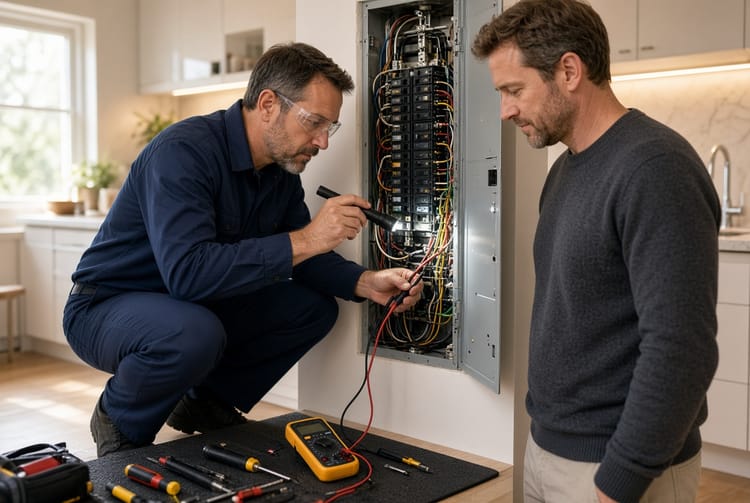
The Home Office Power Panel: Dedicated Circuits for Multiple Computers

In today's remote and hybrid work environment, the home office has become the command center for professionals across industries. With multiple computers, monitors, printers, servers, and peripherals running simultaneously, your home's electrical system faces demands it was never originally designed to handle. Dedicated circuits are no longer a luxury—they are an essential upgrade for reliability, equipment protection, and safety.
Get Dedicated Circuits Installed Today – Call Now!
This comprehensive guide explores why your home office power panel needs dedicated circuits, how to calculate electrical loads accurately, best practices for implementation, and the peace of mind that comes with a professionally optimized setup.
Modern workspaces demand more power than ever before. A single home office today can easily draw the equivalent of a small business's electrical needs. Without proper planning, you risk frequent breaker trips, damaged electronics, fire hazards, and costly downtime.
Why Dedicated Circuits Matter for Multi-Computer Home Offices
Overloaded circuits represent one of the most common yet preventable risks in contemporary home offices. When multiple high-draw devices share a single circuit, the cumulative load quickly exceeds safe limits, causing breakers to trip at the worst possible moments—right in the middle of important video calls or tight deadlines.
Key risks of inadequate power planning include:
- Frequent breaker trips disrupting productivity
- Voltage fluctuations that can corrupt data or damage sensitive components like hard drives and motherboards
- Overheating wires leading to potential fire hazards
- Reduced equipment lifespan due to inconsistent power delivery
- Insurance complications if damage occurs from known electrical issues
By installing dedicated circuits, each major workstation or device group receives its own direct pathway from the electrical panel. This ensures stable power delivery, eliminates interference between devices, and provides the headroom necessary for future expansions like additional monitors or upgraded hardware.
Professionals report significant improvements in system stability and peace of mind after upgrading. Whether you're running multiple desktops for data analysis, video editing rigs, or a home-based IT setup, dedicated circuits deliver the reliable foundation your workspace needs.
Calculating Electrical Load for Your Home Office Setup
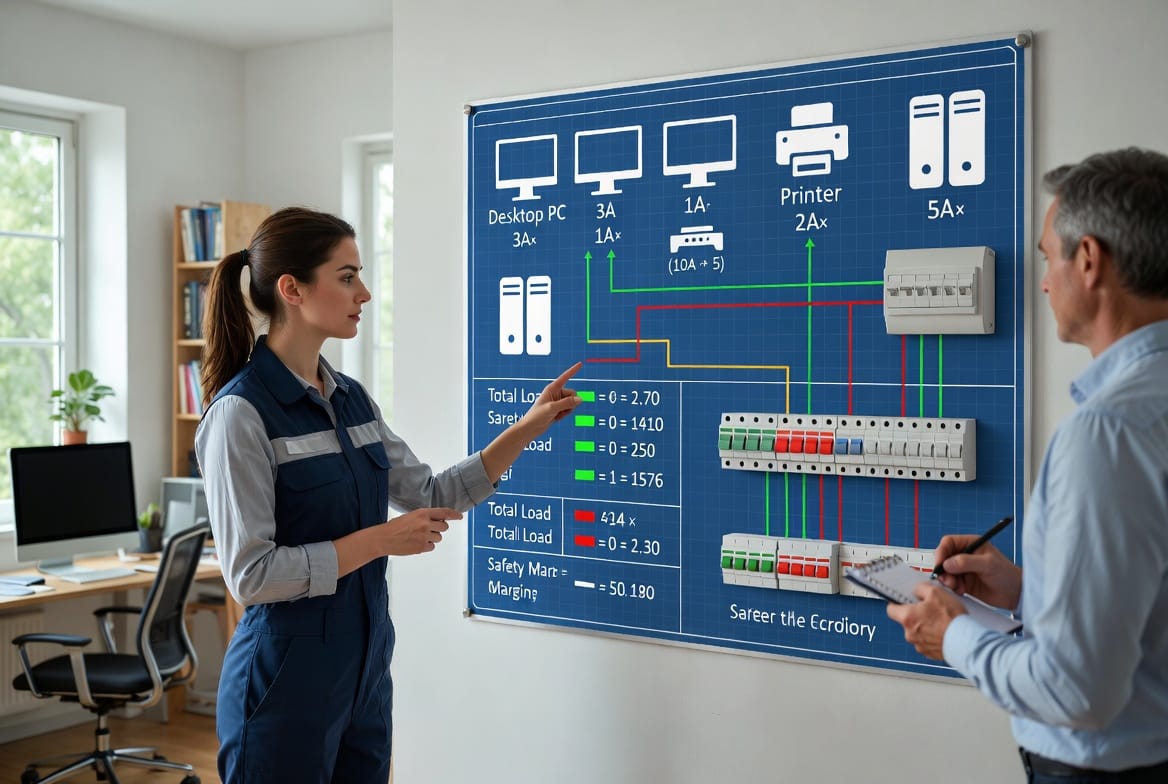
Understanding electrical load calculation is the first step toward a safe and efficient power panel upgrade. Most household circuits are rated for 15 or 20 amps, but continuous loads (devices running for three hours or more) should not exceed 80% of that capacity according to electrical codes.
Here's a practical breakdown of typical power draws for common home office equipment:
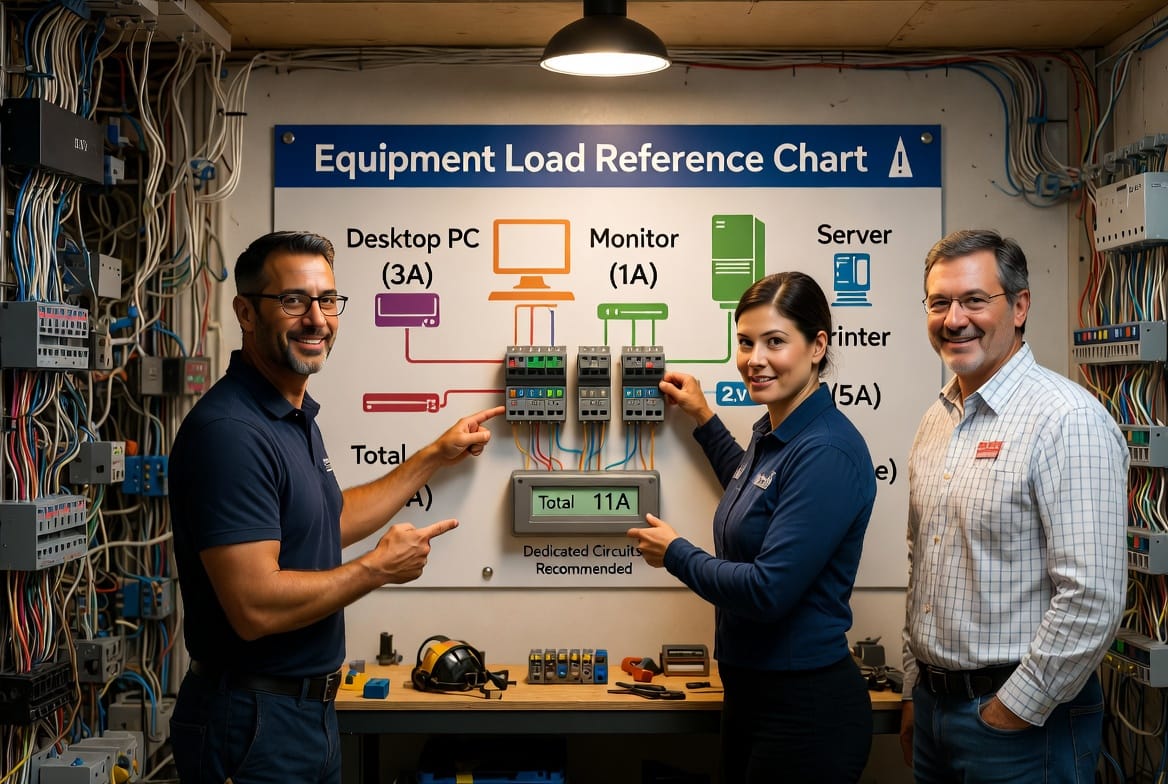
- Desktop PC: Approximately 3 amps (under normal operation; gaming or high-performance rigs can spike higher)
- Large Monitor: Around 1 amp each
- Laser Printer: 2 amps during active printing
- Small Server or NAS: Up to 5 amps
- Laptop (charging): 1-2 amps
- Router, Modem, and Peripherals: 0.5-1 amp combined
Pro Tip: Always check the manufacturer's label on each device for exact wattage, then convert to amps using the formula: Amps = Watts ÷ Volts (typically 120V in the US).
For a typical setup with three desktop computers, four monitors, one printer, and a server:
Estimated total load ≈ (3 PCs × 3A) + (4 monitors × 1A) + printer (2A) + server (5A) = 22 amps.
This clearly exceeds a standard 15-amp circuit and pushes the limits of a 20-amp one. Dedicated circuits become essential—ideally one 20-amp circuit per two computers or per high-draw device cluster.
Best practices for accurate load assessment:
- List every device and its maximum draw
- Factor in simultaneous usage patterns
- Include a 20-25% safety margin for surges and future additions
- Consult a licensed electrician for precise measurements using clamp meters
Expanding your home office shouldn't mean sacrificing reliability. Proper load calculations ensure every computer runs smoothly without compromising other household systems like lighting or kitchen appliances.
Best Practices for Implementing Dedicated Circuits
Installing dedicated circuits for multiple computers involves more than just adding breakers. Professional electricians follow a systematic approach that prioritizes safety, code compliance, and long-term performance.
Essential steps in the process:
- Panel evaluation: Assess your existing electrical panel's capacity and age
- Circuit planning: Designate separate runs for each major workstation
- Wiring standards: Use appropriately gauged copper wiring (typically 12-gauge for 20-amp circuits)
- Breaker selection: Install correctly rated breakers with proper labeling
- Grounding and surge protection: Integrate whole-home or point-of-use surge protectors
- Cable management: Professional organization to reduce clutter and heat buildup
Reassuringly, modern electrical upgrades are cleaner and less invasive than many homeowners expect. Skilled technicians can often complete the work in a single day with minimal disruption to your workspace.
For those with high-performance computing needs, consider:
- 20-amp or even 30-amp dedicated lines for server rooms
- Separate circuits for laser printers and scanners that draw significant power during operation
- Smart panel options that allow monitoring and management via mobile apps
- Integration with whole-home backup generators or UPS systems
Common Mistakes to Avoid in Home Office Electrical Planning
Even tech-savvy professionals sometimes underestimate their power needs. Avoid these pitfalls:
- Relying solely on power strips and extension cords
- Assuming all outlets on a circuit can handle full load simultaneously
- Ignoring the age and condition of your home's electrical panel
- Skipping professional load calculations
- Neglecting regular maintenance of surge protectors and wiring
Addressing these issues proactively protects your valuable equipment and supports uninterrupted productivity.
The Benefits of a Professionally Upgraded Power Panel
Homeowners who invest in dedicated circuits consistently experience:
- Enhanced productivity with zero unexpected interruptions
- Longer equipment lifespan and reduced repair costs
- Improved safety for the entire household
- Better resale value for tech-forward homes
- Compliance with current electrical codes
In bustling areas like Dallas and surrounding Texas communities, where many professionals operate sophisticated home offices, these upgrades have become standard for serious remote workers.
When to Call the Professionals
Recognizing the signs that your home office needs dedicated circuits is crucial:
- Frequent breaker trips when multiple computers are active
- Dimming lights or flickering when printers start
- Warm or hot outlets and power strips
- Slow computer performance potentially related to voltage issues
- Plans to add more equipment in the coming months
A licensed electrician can perform a comprehensive assessment and recommend tailored solutions that fit your specific setup and budget.
Maintaining Your Upgraded Electrical System
Once installed, simple ongoing practices keep everything running optimally:
- Annual panel inspections
- Testing surge protectors regularly
- Monitoring for any new high-draw additions
- Keeping documentation of circuit mappings handy
- Scheduling professional maintenance every 3-5 years
These habits ensure your investment continues delivering value for years.
Frequently Asked Questions About Home Office Dedicated Circuits
How many dedicated circuits do I need?
It depends on your equipment. Most multi-computer setups benefit from 2-4 dedicated 20-amp circuits.
Can I install these myself?
Electrical work involves permits and safety risks. Professional installation ensures code compliance and warranty protection.
What is the typical cost?
Costs vary based on home layout and panel condition, but the investment quickly pays for itself through equipment protection and productivity gains.
Will this work with my existing panel?
In many cases yes, though some older panels may require upgrading to accommodate additional circuits.
Are there energy efficiency benefits?
Yes—properly balanced loads and modern wiring can reduce energy waste from inefficiencies.
Secure Your Home Office Power Today
Avoid overloaded circuits in your home office. Don't let electrical limitations hold back your productivity or put your valuable equipment at risk. A professionally installed dedicated circuits solution provides the stable, reliable power foundation modern multi-computer workspaces demand.
Our experienced team specializes in safe, efficient home office electrical upgrades tailored to today's technology needs. Whether you're in Dallas or surrounding areas, we're here to help optimize your setup.
Invest in dedicated circuits now and power your professional success with confidence. Your equipment—and your peace of mind—will thank you.
Stop Breaker Trips Forever – Expert Electrical Upgrade, Call Now!