The Garage Door Opener Wall Console: Functions Beyond Open/Close
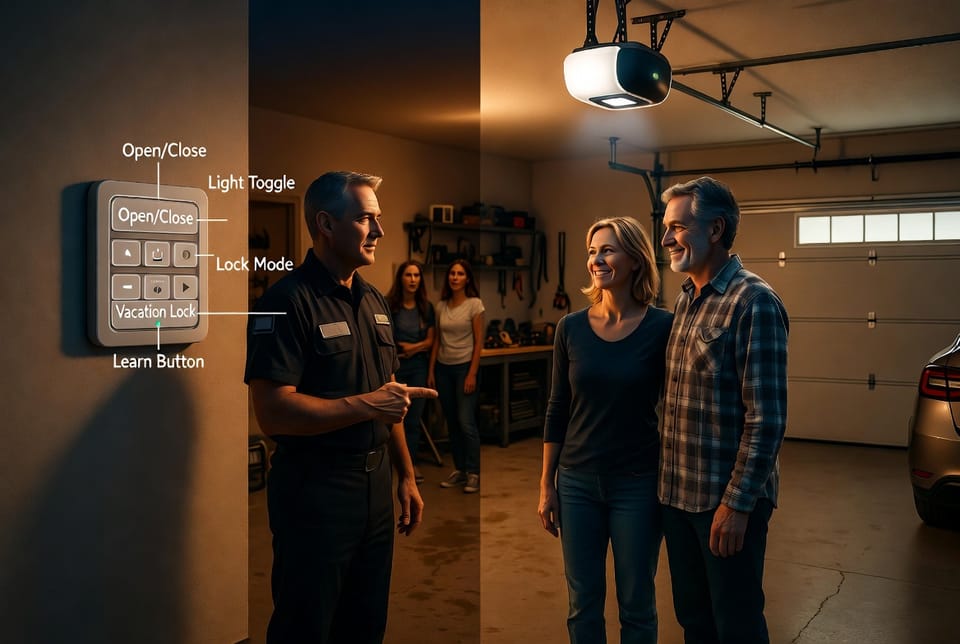
In today’s busy households, the garage door opener wall console is far more than a simple switch to raise or lower your garage door. Homeowners often overlook its advanced capabilities, yet these built-in features deliver everyday convenience, stronger security, and greater peace of mind. Whether you’re heading out for the day, leaving on vacation, or simply walking into a dark garage at night, modern wall consoles put powerful controls right at your fingertips.
Master Your Garage Door Console – Call Now!
Rest assured, these functions were engineered with real-life needs in mind. They go well beyond the basic open/close button you see on every remote. In this comprehensive guide, we’ll explore exactly what your garage door opener wall console can do, how to use each feature safely and effectively, and why mastering them can transform how you protect and manage your home. You’ll finish reading with clear, step-by-step instructions and practical tips you can apply immediately.
What Exactly Is a Garage Door Opener Wall Console?
The wall console is the fixed control panel mounted inside your garage, usually near the entry door to the house. Unlike portable remotes that can be lost or left in cars, the wall console remains a reliable, always-available command center. Modern units from leading manufacturers include illuminated buttons, digital displays, and multiple safety-focused options that older models simply never offered.
These consoles integrate directly with your garage door opener system, allowing instant control even if batteries in your remote die or your smartphone app loses connection. The result? A smarter, more secure garage that works for you 24/7.
Light Control: Instant Illumination at Your Fingertips
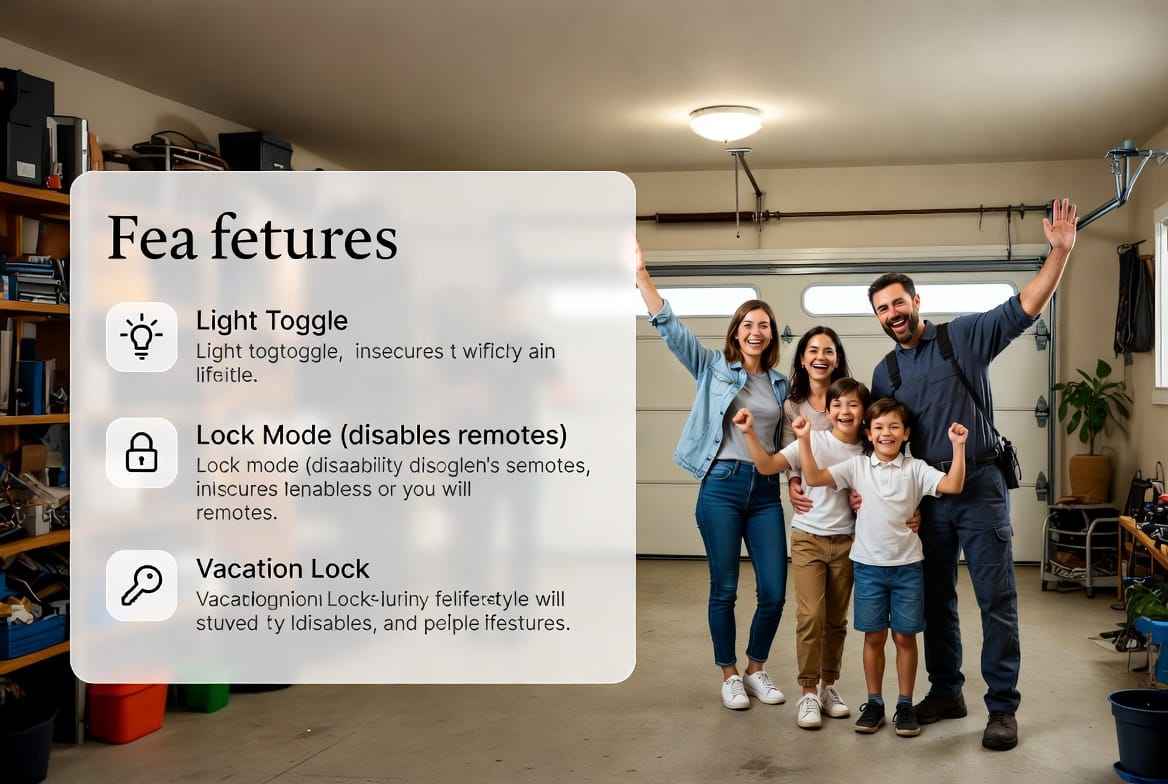
One of the most practical features on any garage door opener wall console is light control. A single dedicated button lets you turn the garage lights on or off without ever opening the door or hunting for a wall switch.
How to use light control:
- Locate the light button (often marked with a bulb icon).
- Press once to turn lights on; press again to turn them off.
- Many models automatically shut lights off after 5–10 minutes to save energy.
This feature shines when you need to grab something from the garage at night or want to check on a pet without triggering the full door operation. It also improves safety by letting you light the space before stepping inside, reducing trip hazards. Homeowners consistently report fewer accidents and greater confidence after making light control part of their daily routine.
Lock Mode: Disabling Remotes for Instant Security
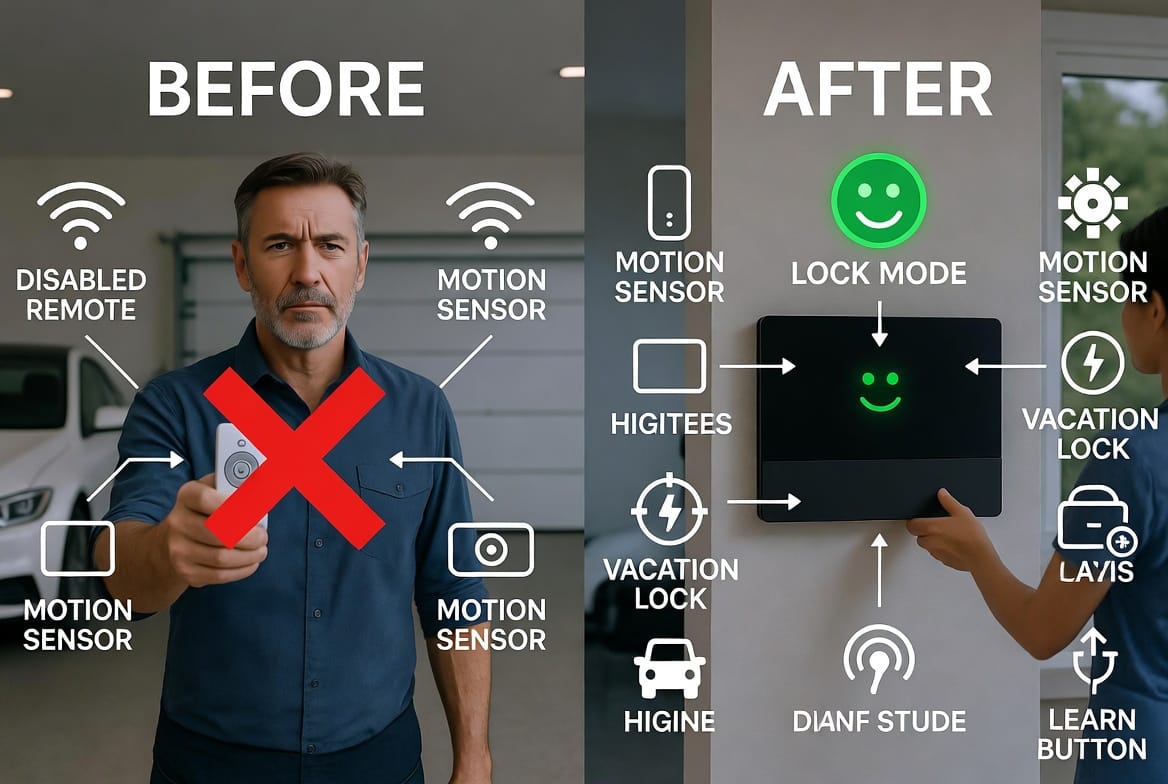
Lock mode is a game-changing security feature that temporarily disables all remote controls and keypads while still allowing operation from the wall console itself. Perfect for evenings when children are playing outside or when you simply want extra protection without unplugging the entire system.
How to activate lock mode:
- Press and hold the lock button (usually labeled “Lock” or showing a padlock icon) for 2–3 seconds until the indicator light flashes or stays solid.
- All wireless remotes and apps are now disabled; only the wall console works.
- To deactivate, press and hold the same button again until the light turns off.
You can rely on lock mode whenever you feel the need for added control. It prevents unauthorized access if a remote is misplaced or if someone attempts to use a cloned signal. Many families activate it nightly and notice immediate peace of mind knowing their garage remains secure.
Vacation Lock: Extended Protection When You’re Away
For longer absences, vacation lock (sometimes called extended lock mode) takes security one step further. It disables remotes and keypads for days or weeks at a time while keeping the wall console fully functional for anyone inside the home.
How to engage vacation lock:
- Press and hold the vacation lock button (or use the same lock button on some models for 5+ seconds).
- Confirm activation via the indicator light or display.
- Remotes remain disabled until you return and press the button again to release.
This feature is especially reassuring during holidays or business travel. It eliminates worry about lost remotes or opportunistic break-ins while you’re gone. When you return, a quick press restores normal operation instantly—no reprogramming required.
Motion Sensor Disable: Customized Light Behavior
Many modern consoles include a built-in motion sensor that automatically turns on garage lights when movement is detected. While convenient for some, others prefer to disable it to avoid unnecessary lighting or false triggers from pets or passing cars.
How to disable the motion sensor:
- Locate the motion sensor button or menu option on the console.
- Press once to toggle the sensor off; a confirmation light usually appears.
- Repeat the press to re-enable when desired.
Disabling the motion sensor gives you complete control over lighting behavior. It prevents unwanted energy use and ensures lights only activate when you intentionally choose. Families with motion-sensitive pets or those living on busy streets particularly appreciate this flexibility.
The Learn Button: Easy Programming for New Devices
Every garage door opener wall console features a learn button that makes adding new remotes, keypads, or smart-home integrations straightforward. No need to call a technician for simple programming.
Step-by-step programming using the learn button:
- Press the learn button on the wall console until the indicator light blinks.
- Within 30 seconds, press the button on your new remote or keypad.
- Wait for the console light to flash or click, confirming successful pairing.
- Test the new device immediately.
This simple process keeps your system expandable and future-proof. Whether replacing a lost remote or adding one for a new family member, the learn button ensures seamless operation without downtime.
How These Features Work Together for Everyday Convenience
When used in combination, light control, lock mode, vacation lock, and motion sensor disable create a personalized garage experience. Imagine arriving home after dark: press the light button for instant visibility, then use the wall console to close the door securely. Heading on vacation? Engage vacation lock and rest easy knowing remotes cannot open the garage while you’re away.
These functions also promote energy efficiency. Lights stay off when not needed, and security modes prevent accidental door operation. Over time, homeowners notice lower electricity bills and fewer maintenance calls.
Troubleshooting Common Wall Console Issues
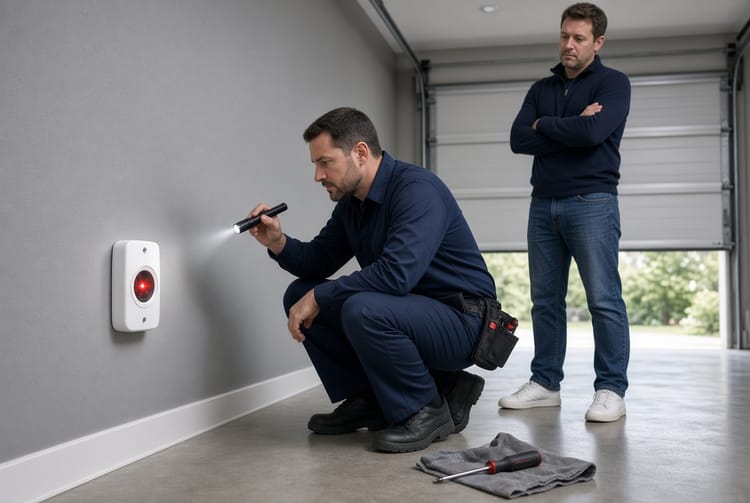
Even the most reliable garage door opener wall console can occasionally need attention. Common symptoms include unresponsive buttons, flickering lights, or failure to enter lock mode.
- Check power supply first—ensure the opener unit is plugged in and the circuit breaker is on.
- Clean the console faceplate gently with a dry cloth to remove dust that can interfere with button contact.
- If the learn button fails, perform a full system reset by unplugging the opener for 30 seconds then reconnecting.
- Persistent problems usually indicate a simple wiring issue or outdated opener that a professional can resolve quickly.
Rest assured that most issues are minor and easily fixed. Addressing them promptly keeps your entire garage door system operating at peak performance.
Maintenance Tips to Keep Your Console Reliable for Years
Simple routine care extends the life of your wall console dramatically:
- Inspect buttons and indicator lights monthly for wear.
- Avoid pressing buttons with excessive force.
- Keep the surrounding wall area free of moisture or extreme temperatures.
- Schedule annual professional inspection to verify all safety sensors and wiring.
Following these steps ensures your garage door opener wall console continues delivering advanced features without interruption.
Why Investing Time in Your Wall Console Pays Off
Understanding and using these functions transforms an ordinary garage into a smart, secure extension of your home. You gain control over lighting, security, and access that portable remotes alone cannot match. Families report feeling safer, more organized, and less stressed after learning these capabilities.
Modern consoles are designed to be intuitive once explained. With the guidance above, you can confidently operate every button and enjoy the full range of benefits your system was built to provide.
Get the Most from Your Wall Console Today
Your garage door opener wall console is packed with helpful features designed to make daily life simpler and safer. From light control that brightens your path to lock mode and vacation lock that guard your home, every button serves a purpose. Take a moment today to explore your console and put these functions to work.
For expert installation, replacement, or professional troubleshooting of your garage door opener and wall console.
Expert Garage Door Wall Console Installation & Repair – Call Now!