The Garage Door Keypad Programming: Setting Up and Troubleshooting Wireless Entry
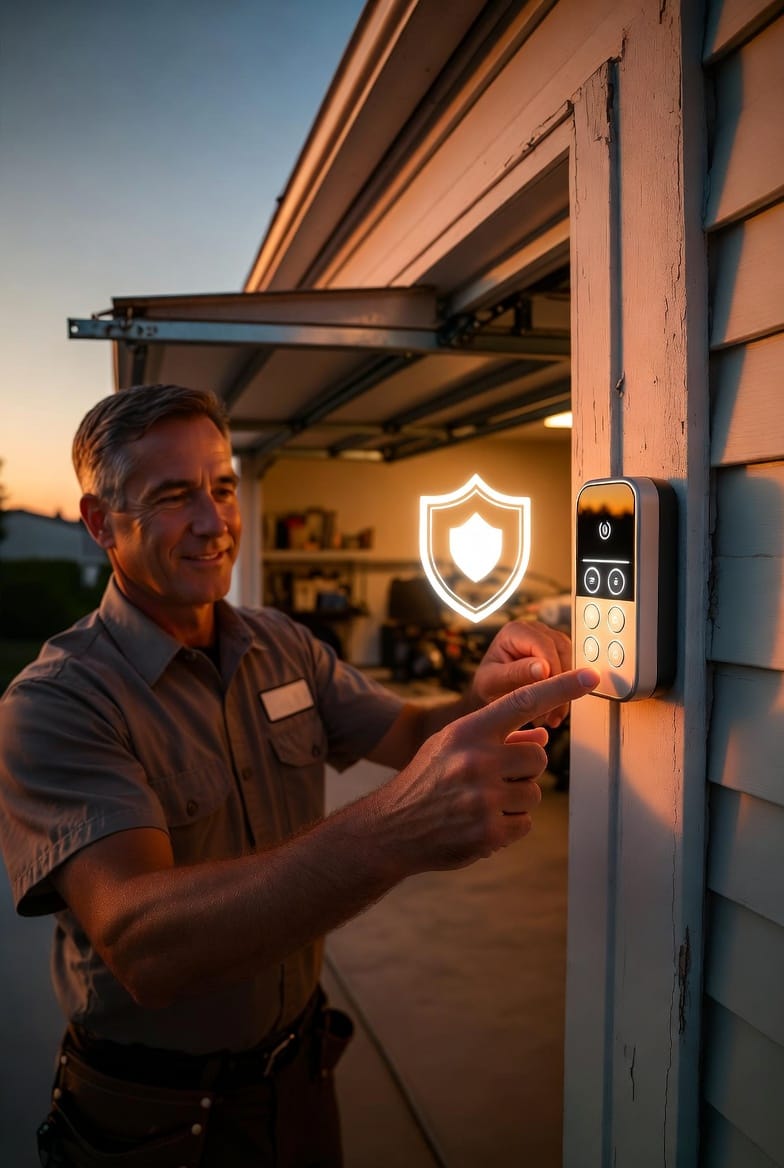
In today’s fast-paced world, garage door keypad programming has become one of the most appreciated upgrades for homeowners seeking convenience and security. Imagine pulling into your driveway, entering a simple four-digit code on a wireless garage door keypad, and watching your garage door glide open without fumbling for keys or remotes. This wireless entry system offers true hands-free access while keeping your property secure.
Program Your Garage Door Keypad Today – Call Now!
Whether you are installing a new keypad or troubleshooting an existing one, understanding the process ensures reliable performance year-round. At its core, wireless garage door keypad programming connects your keypad directly to the opener’s receiver, eliminating the need for physical wiring. The technology is reliable, weather-resistant, and compatible with most major brands.
This comprehensive guide walks you through every step of setup, highlights common pitfalls, and shares expert troubleshooting strategies. By the end, you will feel confident handling your own garage door keypad programming or know exactly when to call for professional assistance. Rest assured, with the right approach, these systems deliver years of trouble-free service.
Why Wireless Keypads Deliver Unmatched Convenience
Wireless garage door keypads represent a significant leap forward from traditional keyed or remote-only entry. No more digging through pockets in the rain or worrying about lost clickers. A single, securely mounted keypad outside your garage provides instant access for family members, trusted neighbors, or service professionals.
Key benefits include:
- Instant access from outside without carrying extra devices
- Weatherproof design built to withstand extreme temperatures, rain, and snow
- Multiple user codes allowing different PINs for family and guests
- Easy integration with most residential garage door openers
Homeowners consistently report that once they experience keyless wireless entry, they never want to return to old methods. The peace of mind knowing you can grant temporary access without handing over physical keys adds tremendous value, especially for vacation rentals or busy households.
Preparing for Successful Garage Door Keypad Programming
Before diving into programming, gather a few simple items: a sturdy ladder, fresh batteries, your opener’s model number, and the keypad manual. Safety first—always disconnect power to the opener unit when working near moving parts.
Position the keypad at a comfortable height (about 4-5 feet from the ground) on a flat exterior wall near the garage door but away from direct water runoff. This placement ensures reliable signal strength while protecting the device from harsh elements.
Step-by-Step Guide to Programming Your Wireless Keypad
Garage door keypad programming typically takes less than five minutes once you understand the sequence. The process varies slightly by brand, but the core principle remains the same: the opener’s receiver learns the unique signal from your keypad.
General Programming Procedure Most Brands Share
- Locate the “Learn” button on the back or side of your garage door opener motor unit (usually inside the garage, mounted on the ceiling).
- Press and release the Learn button—the indicator light will blink or glow steadily, signaling the opener is ready to receive a new code.
- Enter your chosen 4- or 6-digit PIN on the keypad and press the “Enter” or “#” key within 30 seconds.
- Test the system by entering the code again. The garage door should respond immediately.
Repeat the process if the door does not move, as timing is critical during the learning phase.
Brand-Specific Tips for Reliable Results
Different manufacturers use slightly different sequences, but the reassuring news is that once you know the pattern, wireless garage door keypad programming becomes second nature.
For LiftMaster and Chamberlain models, the Learn button is often red, orange, or purple. Press it once, then quickly enter your code on the keypad. Genie and Overhead Door systems may require holding the keypad’s “Program” button first before entering the PIN.
Always consult your specific opener’s label for color-coded confirmation. If the Learn light stops blinking before you finish, simply repeat the sequence—there is no risk of damaging the system.
After successful pairing, program additional codes for family members by repeating the steps with new PINs. Most openers support up to 10-20 unique codes, giving you flexibility without compromising security.

Common Issues and Professional Troubleshooting Solutions
Even the most reliable wireless garage door keypad can occasionally encounter hiccups. The good news? Most problems are simple to diagnose and fix without special tools. Here are the top issues homeowners face and exactly how to resolve them.
Dead Batteries – The Most Frequent Culprit
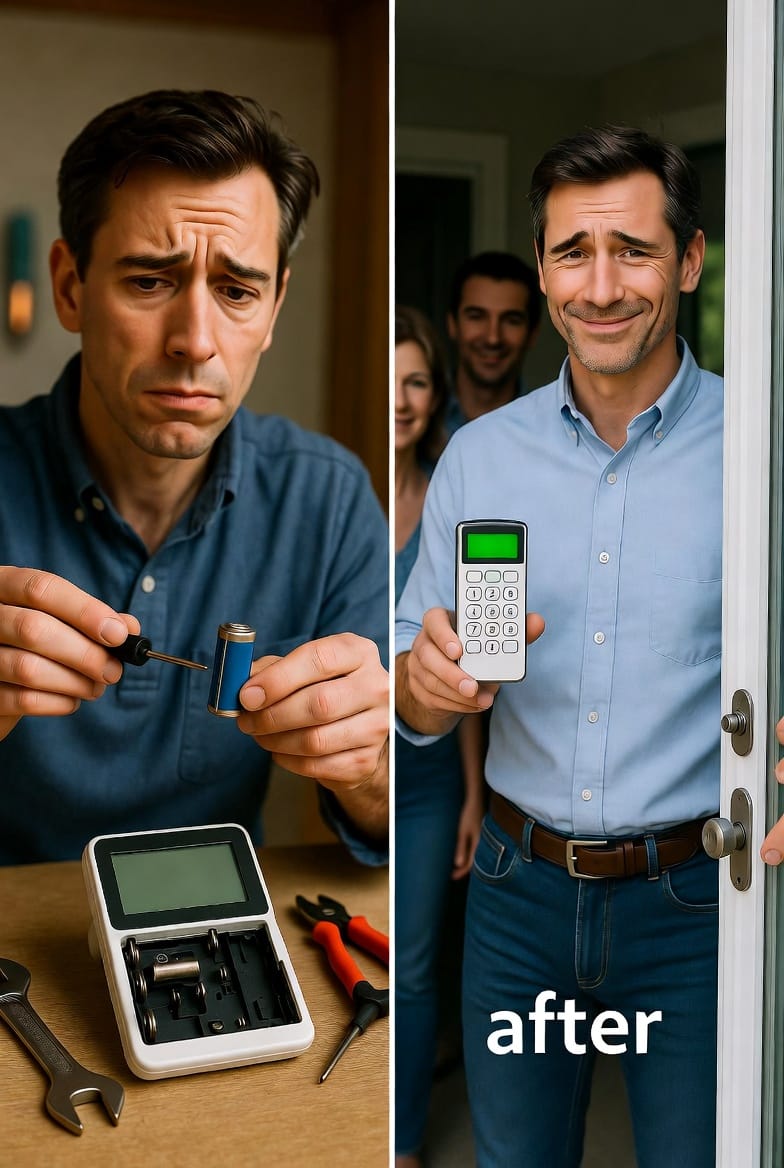
Dead batteries cause more keypad failures than any other issue. Symptoms include no lights, unresponsive buttons, or weak intermittent signals.
- Remove the keypad cover using a small screwdriver.
- Replace with fresh alkaline batteries (typically CR123A or AA depending on model).
- Re-test immediately—new batteries restore full signal strength instantly.
Pro tip: Change batteries every 12-18 months as part of routine maintenance to prevent unexpected failures.
Lost or Forgotten Codes
Forgetting your PIN is common, especially with multiple users. The solution is straightforward:
- Press and hold the “Learn” button on the opener until the light blinks.
- Enter a new code on the keypad within the time window.
- For complete reset, some models require holding the keypad’s program button while pressing Learn on the opener.
This process clears old codes safely without affecting other remotes paired to the system.
Signal Interference and Range Problems
Signal interference can occur from nearby wireless devices, thick walls, or metal structures. Symptoms include the door responding only when standing very close or not at all.
To resolve:
- Reposition the keypad slightly higher or to a different wall spot for clearer line-of-sight to the opener.
- Check for fluorescent lights or Wi-Fi routers nearby that might disrupt the radio frequency.
- Test by temporarily moving the keypad closer to the garage during troubleshooting.
In rare stubborn cases, upgrading to a newer keypad with enhanced frequency technology eliminates interference permanently.
Other Quick Fixes Worth Trying
- Clean the keypad buttons with a soft cloth and isopropyl alcohol to remove dirt or residue buildup.
- Verify the opener has power and the wall switch is in the correct position.
- Reset to factory defaults by pressing specific button combinations listed in your manual (usually holding Program + Enter for 10 seconds).
These simple troubleshooting steps resolve over 90% of wireless keypad issues, saving you time and frustration.
Essential Security Tips for Your Wireless Keypad
Security should always remain a top priority with any wireless entry system. Choose a PIN that is not obvious—avoid birthdates or simple sequences like 1234. Change codes every six months or after household changes such as teenagers learning to drive.
Enable any available vacation or temporary lock modes on your opener when away for extended periods. Position the keypad out of direct view from the street to reduce visibility to passersby.
Modern keypads include rolling-code technology that changes the signal with every use, making code interception nearly impossible. Pairing your system with smart home monitoring adds another layer of protection, alerting you to any unauthorized access attempts.
Routine Maintenance Keeps Everything Running Smoothly
Simple annual maintenance prevents most issues before they start. Inspect the keypad housing for cracks, clean contacts, and test all programmed codes quarterly. Lubricate the garage door tracks and springs separately to ensure the entire system operates quietly and efficiently.
When Professional Help Makes the Difference
While many garage door keypad programming tasks are DIY-friendly, certain situations call for expert intervention. If your opener is over 10 years old, the keypad shows physical damage, or you experience repeated failures after basic troubleshooting, professional service ensures safety and optimal performance.
Experienced technicians carry the latest diagnostic tools and replacement parts, completing complex repairs quickly and correctly the first time.
Enjoying Reliable Keyless Access Every Day
Mastering garage door keypad programming and wireless entry troubleshooting empowers you to maintain a smooth, secure home environment. The convenience of keyless access transforms daily routines, while proper setup and maintenance deliver years of dependable service.
Remember, a well-functioning keypad is more than a luxury—it is a practical solution that enhances safety, simplifies life, and provides peace of mind.
Need Help Programming Your Garage Door Keypad? Call Now!