The Internet of Laundry (and Dishes): Troubleshooting Smart Appliance Connectivity Issues

In the era of smart homes, where your washer notifies you when a load is done and your refrigerator suggests recipes based on its contents, connectivity has become the lifeline of modern appliances. Yet, this convenience often comes with its own set of challenges: Wi-Fi dropouts, app pairing failures, and unresponsive smart features. Whether it's a smart washer refusing to start a cycle remotely or a dishwasher that won't sync with your home network, these issues can disrupt daily life. But fear not – as an authority in appliance repair, we're here to guide you through troubleshooting these problems with confidence. This comprehensive article delves into the new frontier of smart appliance problems, offering practical steps for network settings, router compatibility, and knowing when to seek professional electronic repair. By the end, you'll be equipped to restore harmony to your connected kitchen and laundry room.
Stop Wi-Fi Dropouts & App Failures – Call Our Tech Team
The Rise of Smart Appliances: Opportunities and Obstacles
Smart appliances like washers, dryers, dishwashers, and refrigerators represent a leap forward in home efficiency. Integrated with IoT (Internet of Things) technology, they allow remote monitoring, energy optimization, and even predictive maintenance. Imagine receiving an alert on your phone if your fridge door is left ajar or scheduling your dryer to run during off-peak hours. However, the flip side is vulnerability to connectivity issues that can render these features useless.
Common culprits include:
- Intermittent Wi-Fi signals leading to dropouts during operation.
- Pairing failures where the appliance won't link to your app or home network.
- Unresponsive features, such as voice commands via Alexa or Google Home that suddenly stop working.
These problems aren't just annoyances; they can lead to inefficiencies like wasted energy or overlooked maintenance alerts. The good news? Most can be resolved with straightforward troubleshooting, saving you time and money before calling in experts.
Identifying the Root Causes of Connectivity Woes
Before diving into fixes, understanding why these issues occur is key. Smart appliance connectivity relies on a stable Wi-Fi network, compatible hardware, and proper software configurations. Here's a breakdown:
Wi-Fi Dropouts: The Silent Disruptor
Wi-Fi dropouts often stem from signal interference or overload. In busy households with multiple devices, your smart dryer might lose connection mid-cycle, causing delays. Factors like thick walls, distance from the router, or competing signals from microwaves can exacerbate this.
App Pairing Failures: The Handshake That Never Happens
When attempting to pair your smartphone app with a smart refrigerator, failures can arise from outdated app versions, incorrect network credentials, or even Bluetooth conflicts. This leaves you unable to access features like inventory tracking or temperature adjustments remotely.
Unresponsive Smart Features: When Tech Goes Silent
Unresponsiveness might indicate firmware glitches or compatibility issues with your home assistant. For instance, a smart washer that ignores app commands could be due to a recent software update mismatch.
Rest assured, these are common in the evolving world of IoT appliances, and with systematic checks, you can often pinpoint and resolve them.
Step-by-Step Troubleshooting Guide for Smart Appliance Connectivity
Armed with knowledge, let's tackle these issues head-on. This guide is designed for homeowners of all tech levels, focusing on washers, dryers, dishwashers, and refrigerators. Always start with the basics before escalating.
Basic Checks: Restart and Reset
Begin with the timeless advice: turn it off and on again.
- Power cycle the appliance: Unplug it for 5-10 minutes to clear temporary glitches.
- Restart your router: This refreshes the network and can resolve transient dropouts.
- Reboot your smartphone: Ensure your device isn't the weak link in the chain.
These simple steps resolve up to 40% of connectivity problems, according to industry insights.
Network Settings: Optimizing for Stability
Your home's Wi-Fi network settings play a pivotal role. Many smart appliances prefer the 2.4GHz band over 5GHz for better range, despite the latter's speed.
- Switch to 2.4GHz: Access your router settings (usually via 192.168.1.1 in a browser) and ensure a dedicated 2.4GHz SSID is available.
- Check signal strength: Use apps like Wi-Fi Analyzer to measure strength near the appliance – aim for at least -70 dBm.
- Update network credentials: If you've changed your Wi-Fi password, re-enter it in the appliance's setup mode.
For router compatibility, older models might not support the latest IoT protocols. Consider upgrading to a dual-band router with MU-MIMO technology for handling multiple devices seamlessly.

App and Software Troubleshooting
Apps are the bridge between you and your smart features, so keep them in top shape.
- Update the app: Check for the latest version in your app store to fix bugs.
- Verify permissions: Ensure the app has access to location, Bluetooth, and Wi-Fi on your phone.
- Re-pair the device: Delete the appliance from the app and start the pairing process anew, following manufacturer instructions (e.g., hold the Wi-Fi button on your washer for 5 seconds).
If issues persist, clear the app cache or reinstall it entirely.
Advanced Diagnostics: When to Dig Deeper
For stubborn problems, delve into device-specific fixes.
- Firmware updates: Access the manufacturer's portal to check and install updates for your model.
- Interference mitigation: Relocate cordless phones or baby monitors away from the appliance.
- Network security: Ensure WPA2 or WPA3 encryption is enabled, as some appliances reject open networks.
Test connectivity with a mobile hotspot to isolate if the issue is with your home router.
Router Compatibility: Ensuring Seamless Integration
Not all routers are created equal when it comes to smart appliance support. Compatibility hinges on standards like 802.11n or ac, and features such as guest networks.
- Assess your router: Models from brands like Netgear or TP-Link often excel with IoT, offering dedicated bands.
- Mesh systems for coverage: In larger homes, extenders or mesh networks (e.g., Google Nest Wi-Fi) prevent dropouts by providing blanket coverage.
- Port forwarding if needed: Rarely, advanced setups require opening specific ports for app communication – consult your manual.
Upgrading your router can transform intermittent connections into reliable ones, enhancing overall home network performance.
When to Call for Professional Electronic Repair
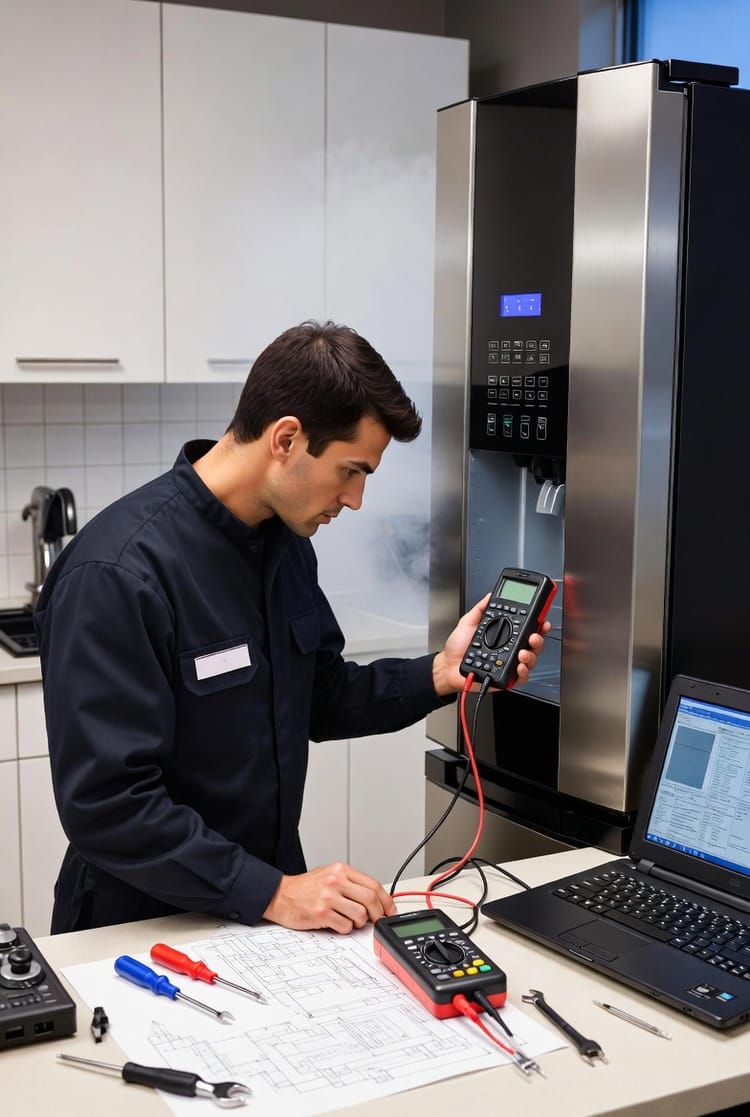
While DIY troubleshooting empowers you, some issues signal deeper problems requiring expert intervention.
- Hardware failures: If the appliance's Wi-Fi module is faulty, a technician can diagnose and replace it.
- Complex network configurations: For enterprise-level setups or persistent errors, pros use specialized tools to analyze signals.
- Warranty considerations: Attempting internal repairs might void coverage, so let certified repair teams handle it.
Our authoritative advice: If basic steps fail after two attempts, it's time to seek help. Professional appliance repair ensures longevity and prevents escalation.
Preventive Measures: Keeping Connections Strong Long-Term
Prevention is better than cure in the world of smart appliance connectivity.
- Regular maintenance: Schedule monthly checks of your network and app updates.
- Secure your network: Use strong passwords to avoid unauthorized access that could disrupt devices.
- Backup plans: Have a manual override for essential functions in case of outages.
By adopting these habits, you'll minimize disruptions and maximize the benefits of your connected home.
Real-Life Scenarios: Troubleshooting in Action
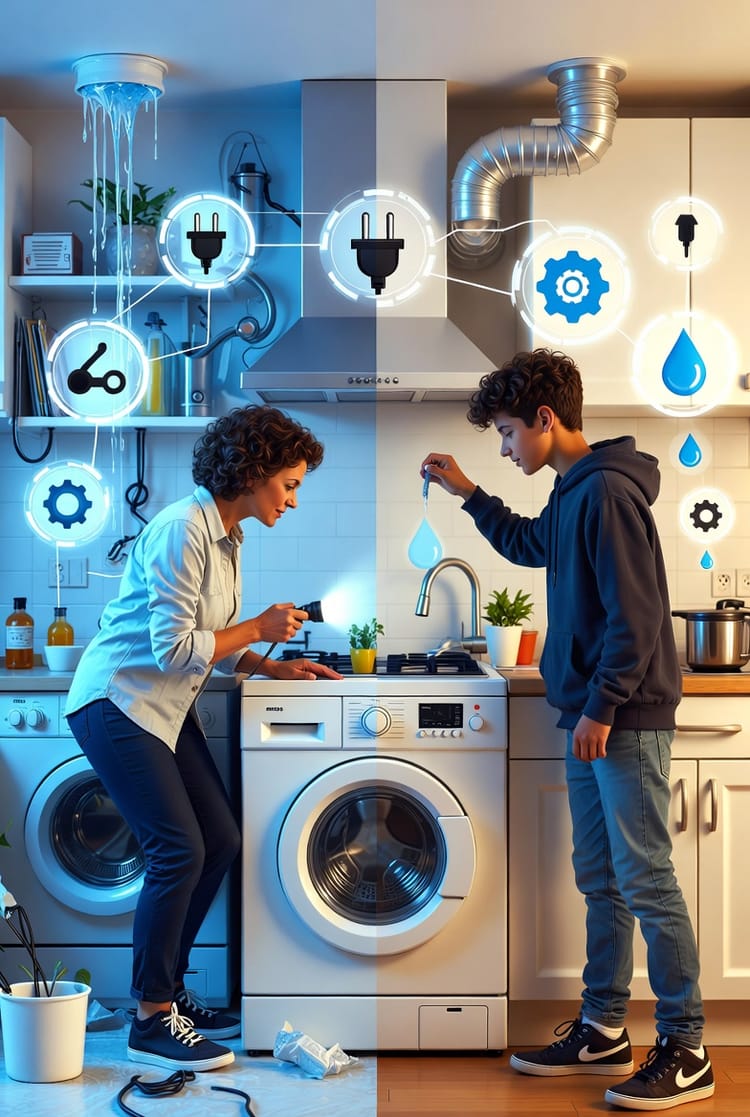
Consider Jane, a busy mom whose smart dryer kept dropping Wi-Fi mid-load. After power cycling and switching to 2.4GHz, it stabilized – no repair needed. Or Mike, whose refrigerator app wouldn't pair; updating firmware via the manufacturer's site resolved it instantly.
These stories highlight that with the right approach, most issues are conquerable.
The Future of Smart Appliances: Staying Ahead
As technology advances, expect more robust connectivity with 5G integration and AI-driven diagnostics. Until then, mastering troubleshooting keeps you in control.
In summary, Wi-Fi dropouts, app pairing failures, and unresponsive features are surmountable with our guide. From network tweaks to router upgrades, you've got the tools.
Smart Appliance Connectivity Fixed – Call Our Specialists