Powering the Remote Economy: Designing Dedicated, Clean-Circuit Home Office Wiring

In the wake of the remote work revolution, millions of professionals have transformed spare rooms, basements, and even corners of living spaces into functional home offices. This shift, accelerated by global events, has redefined productivity, blending work and home life seamlessly. Yet, as more devices power our daily grind—from high-performance computers to video conferencing setups—the electrical infrastructure of our homes often lags behind. Enter the era of dedicated, clean-circuit home office wiring, a purposeful design that ensures reliability, safety, and efficiency. In this comprehensive guide, we'll explore why modern home offices demand specialized electrical solutions, how to implement them, and the transformative benefits they bring. Whether you're a freelancer, corporate remote worker, or entrepreneur, optimizing your setup can supercharge your output while minimizing disruptions.
Design Your Perfect Home Office Wiring – Free Consultation
The Rise of the Remote Economy and Its Electrical Demands
The remote economy isn't just a trend; it's a fundamental change in how we work. According to recent industry reports, over 25% of the workforce now operates from home at least part-time, with projections showing continued growth. This surge has spotlighted the inadequacies of standard residential wiring. Traditional home electrical systems, designed for basic lighting and appliances, struggle under the load of multiple high-tech devices.
Dedicated circuits are the cornerstone of a robust home office electrical design. Unlike shared circuits that power entire rooms or floors, a dedicated circuit allocates exclusive power to specific outlets or devices. This prevents overloading, which can cause tripped breakers, voltage drops, and even equipment damage. For instance, your computer, printer, and external monitors each draw significant power; sharing a circuit with a space heater or vacuum could lead to intermittent failures.
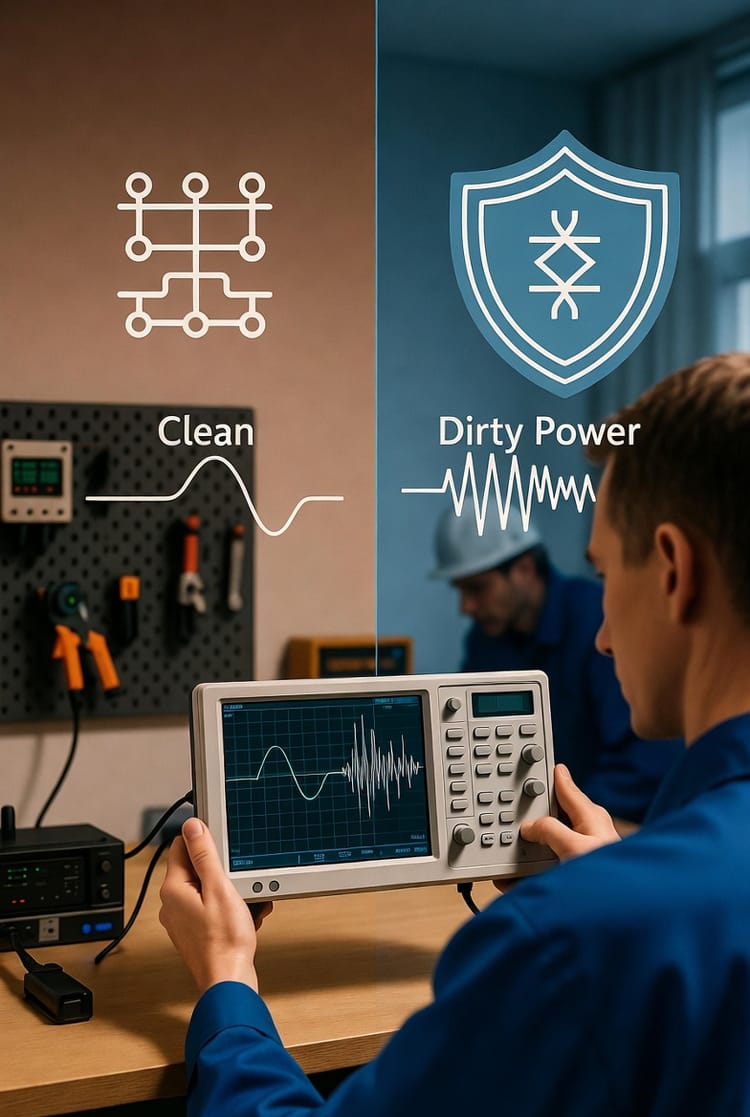
Why is this critical? Interference from shared lines can introduce electrical noise, manifesting as flickering screens, data corruption, or slowed network speeds. In a home office, where every second counts, such issues erode productivity. By investing in dedicated circuits, you create a stable power environment that safeguards sensitive electronics.
- Prevent Data Loss: Unstable power can corrupt files during saves or transfers.
- Enhance Device Longevity: Consistent voltage reduces wear on components like hard drives and processors.
- Boost Efficiency: No more resets or downtime from power fluctuations.
Reassuringly, upgrading to dedicated circuits is straightforward with professional guidance, turning potential pitfalls into seamless operations.
Planning Abundant, Well-Placed Outlets for Ultimate Convenience
A key pain point in makeshift home offices is the scarcity of outlets, leading to daisy-chained extension cords—a recipe for hazards and clutter. Modern designs prioritize abundant outlets strategically placed to match your workflow.
Consider your desk layout: Outlets should be accessible without stretching cords across walkways. Wall-mounted options at desk height, floor boxes for open-plan spaces, and even furniture-integrated ports ensure power is always at hand. Don't overlook USB-integrated outlets, which charge devices directly without adapters, supporting everything from smartphones to wireless headsets.
Placement matters immensely. For a dual-monitor setup, position outlets behind the desk to hide cables. In larger offices, incorporate outlets on multiple walls for flexibility in rearranging furniture.
- Desk-Centric Outlets: At least four per workstation, including two with USB ports.
- Peripheral Support: Dedicated spots for printers, scanners, and lighting.
- Future-Proofing: Extra outlets for emerging tech like smart assistants or VR equipment.
This approach not only eliminates tripping hazards but also promotes a professional aesthetic, fostering a mindset of focus and control.

Mastering Clean Cable Management: Hiding the Chaos
Cable clutter is the silent killer of home office zen. Tangled wires not only look unprofessional but also pose safety risks, collecting dust and impeding airflow. The solution? Integrated cable management systems embedded within walls or floors.
Start with in-wall conduits—hollow tubes installed during wiring upgrades that allow easy routing of power, data, and HDMI cables. This keeps everything hidden, emerging only at designated points like desk grommets or baseboard channels.
For network wiring, prioritize Cat6 or higher Ethernet cables run through dedicated conduits to avoid interference from power lines. Wireless is convenient, but wired connections offer superior speed and security for video calls and large file transfers.
Practical tips include:
- Wall Channels: Recessed raceways that blend with decor.
- Floor Trenches: For open spaces, allowing cables to run underfoot without exposure.
- Cable Ties and Sleeves: Bundle and protect exposed segments.
By concealing cables, you reclaim visual space, reducing stress and enhancing creativity. Authoritatively, this isn't just cosmetic; it's essential for maintaining a hazard-free environment compliant with electrical codes.
Integrating Network Wiring for Seamless Connectivity
In today's digital workspace, reliable internet is as vital as electricity. Network wiring within walls elevates your home office from adequate to exceptional. Hardwired Ethernet outperforms Wi-Fi in latency-sensitive tasks like online meetings or cloud computing.
Design considerations involve running low-voltage cables alongside power conduits but separated to prevent crosstalk. Install multiple Ethernet ports around the room for redundancy—perhaps one at the desk, another near a collaboration area.
For smart offices, incorporate wiring for IoT devices, ensuring scalability. This setup supports bandwidth-heavy applications without bottlenecks.
- Speed Advantages: Gigabit Ethernet for rapid data handling.
- Security Benefits: Reduced vulnerability to wireless hacks.
- Reliability: Weather-independent connections.
With professional installation, you gain peace of mind knowing your network is robust and future-ready.
Advanced Power Solutions: Surge Protection and Smart Features
Protecting your investment is paramount. Surge-protected outlets shield against voltage spikes from storms or grid fluctuations, preserving expensive gear.
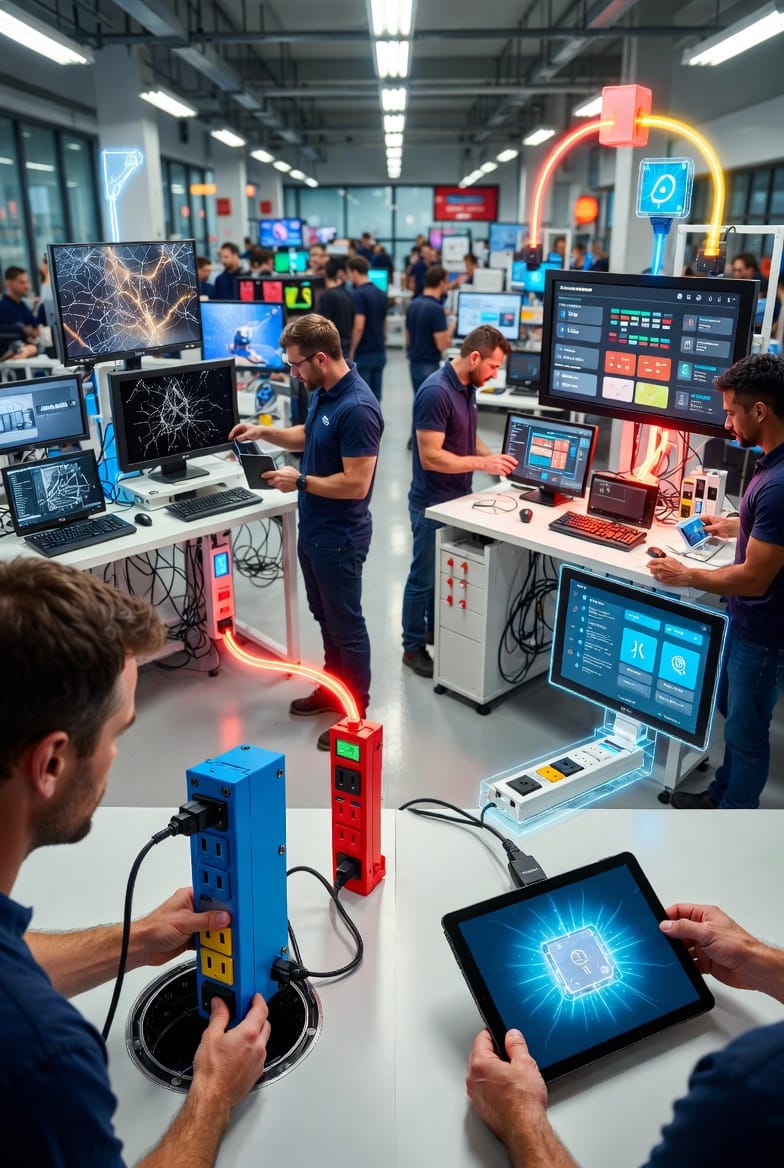
Explore in-floor power boxes for flexible layouts, providing pop-up access without permanent fixtures. Smart power strips add automation, allowing remote control via apps to power down idle devices, saving energy and extending lifespan.
These innovations aren't luxuries; they're necessities in a power-hungry remote world.
Safety First: Mitigating Risks in Home Office Wiring
While empowering, electrical upgrades carry risks if mishandled. Overloading circuits can lead to fires, so always calculate loads—aim for 80% capacity max. Faulty installations might void warranties or insurance.
Key risks include:
- Electromagnetic Interference: From unshielded cables, affecting signal quality.
- Code Violations: Non-compliant work could result in fines.
- DIY Pitfalls: Amateur wiring often overlooks grounding, inviting shocks.
Fortunately, certified electricians ensure compliance with NEC standards, providing warranties for added reassurance.
Cost Considerations and ROI
Budgeting for home office wiring varies: Basic dedicated circuits start at $500–$1,000 per room, while full integrations with smart features can reach $3,000+. However, the ROI is swift—reduced downtime, lower repair costs, and heightened productivity often pay back within months.
Tax incentives for home office improvements may apply, further offsetting expenses.
Implementation Steps: From Concept to Completion
Ready to upgrade? Follow this roadmap:
- Assess Needs: Inventory devices and power draws.
- Design Layout: Sketch outlet and cable paths.
- Hire Professionals: Choose licensed experts for safe execution.
- Test and Optimize: Verify stability post-installation.
This structured approach guarantees a tailored, efficient result.
The Future of Home Office Power
As remote work evolves, so will electrical demands—with AI integration and 5G pushing boundaries. Proactive wiring positions you ahead, adaptable to innovations like wireless charging walls.
In summary, dedicated, clean-circuit home office wiring isn't optional; it's the foundation of the remote economy. It empowers uninterrupted focus, safeguards assets, and elevates your professional presence.
Boost Your Work-from-Home Setup – Call for Expert Wiring